
Stud Finder App vs Walabot: Which Do You Actually Need?
Stud finder app vs Walabot: one is free to try on your phone, the other a paid imager that sees pipes and wires. What each finds, and which fits your job.
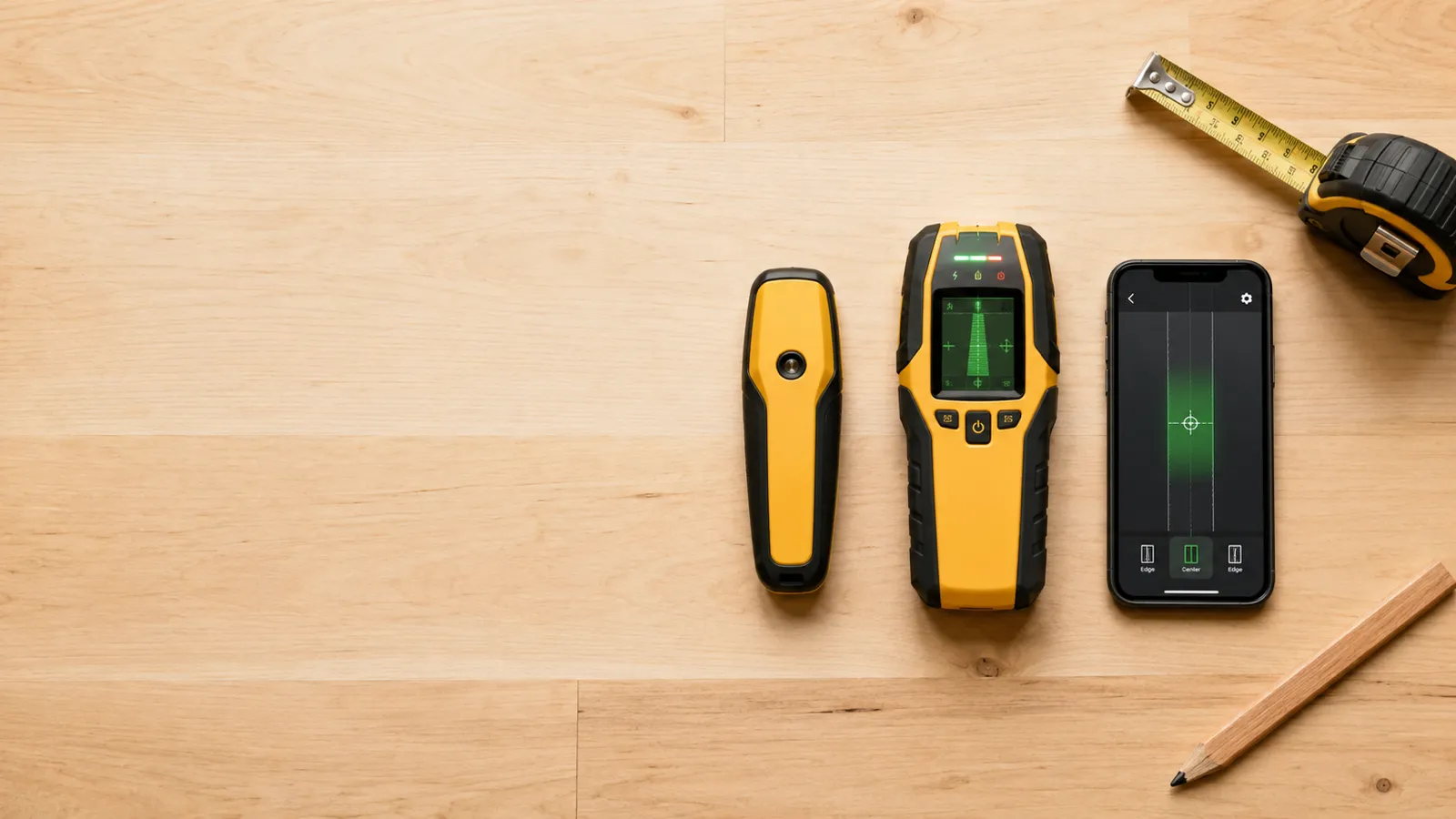
For a homeowner hanging shelves, frames, and the occasional TV on standard drywall, our pick is the Stud Finder app. The magnetometer in your phone already finds the screws that mark every stud on a drywall wall, accurate to within about an inch — and the app is free to try, ad-free, and works offline, so there’s nothing to buy before your first scan. Start there, and buy hardware only if your walls give it trouble. For how it stacks up against other apps, see our best stud finder app roundup.
If you specifically want a dedicated tool that sees the whole stud, the best hardware is a multi-sensor electronic finder — a flat unit with a row of sensors that lights up across the entire width of a stud, so you see both edges and the center in one pass and never have to calibrate. The Franklin ProSensor line is the best-known example of this design.
Every stud finder falls into one of five families, and each reads a completely different signal:
| Type | What it reads | Typical cost | Best at |
|---|---|---|---|
| Phone magnetometer app — our pick: Stud Finder | Magnetic field of fasteners | Free to try | A first read on drywall, in your pocket |
| Magnetic | Pull of the metal fasteners | Under ~$20 | Good if you want cheap and battery-free |
| Electronic (capacitive) | Density change behind the surface | ~$20–40 | Good if you need stud edges on walls without fasteners nearby |
| Multi-sensor electronic | Density across a sensor array | ~$40–60 | Good if you need to see the whole stud at once |
| Radar / imaging | Reflections from objects in the wall | ~$60–150 | Good if you need to spot pipes, wires, and studs |
Magnetic finders and phone apps both chase the fasteners. Electronic and multi-sensor finders read density to find the wood itself. Radar units image what’s back there. Each is best at different walls — and for the standard drywall most homes have, the app on your phone is the one to try first.
Match the tool to the job, not to the price tag:
A phone app isn’t a toy version of a stud finder — it’s a legitimate magnetic finder that happens to live in your pocket. On drywall over wood, it does the same job a $15 magnetic finder does, with a live readout instead of a wobbling needle, and nothing to buy or charge. Where it gives way is the same place cheap magnetic finders do: plaster, masonry, and heavy mounts that deserve a second opinion. (On steel studs both read the stud itself, as a broad band — mark both edges and use the middle.) Treat it as your default first scan and a hardware finder as the backup for hard walls. That two-tool habit — app first, hardware to confirm — is covered in our app vs hardware comparison.
A few features get marketed harder than they earn:
The best stud finder in 2026 is the one matched to your wall. Standard drywall? A phone app (free to try) or a multi-sensor electronic finder handles nearly everything a homeowner mounts. Plaster or live-wire worries? Step up to a deep-scan or radar unit and verify every mark. Start with the Stud Finder app on the phone already in your pocket, and spend money only where the wall actually demands it.
Try the stud finder app first — free to try, ad-free, no signup to start.
For most homeowners on standard drywall, our pick is the Stud Finder app — free to try, ad-free, and on the phone already in your pocket, so there's no tool to buy, charge or calibrate. If you specifically need to see the full width of a stud at once, or want a hardware second opinion on heavy mounts, a multi-sensor electronic finder is the best hardware choice.
Multi-sensor electronic finders and radar imaging tools are the most accurate on standard walls, because they read the whole stud rather than a single edge. On plaster or unusual framing, the most accurate method is cross-checking two tools and drilling only where they agree.
Only if your walls demand it. A $15 magnetic finder or a phone app (free to try) handles drywall fine. Pay for a multi-sensor or radar unit if you work on plaster, need to spot live wires, or mount heavy loads where a miss is costly.
Not always. A phone app (free to try) or a strong magnet finds the screws in most drywall walls. A dedicated finder earns its place when you hang things often, work on difficult walls, or want a faster, clearer read than a magnet gives.
A magnetometer-based phone app is the best place to start, and Stud Finder is our pick: free to try, ad-free, and it detects the fasteners in standard drywall to within about an inch. A refrigerator magnet works too, just slower and with less precision.
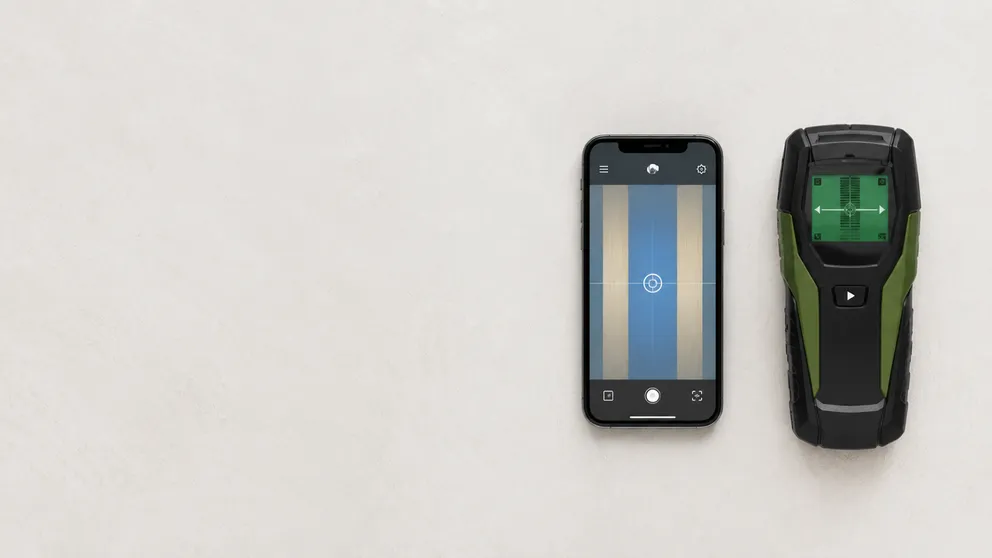
Stud finder app vs Walabot: one is free to try on your phone, the other a paid imager that sees pipes and wires. What each finds, and which fits your job.
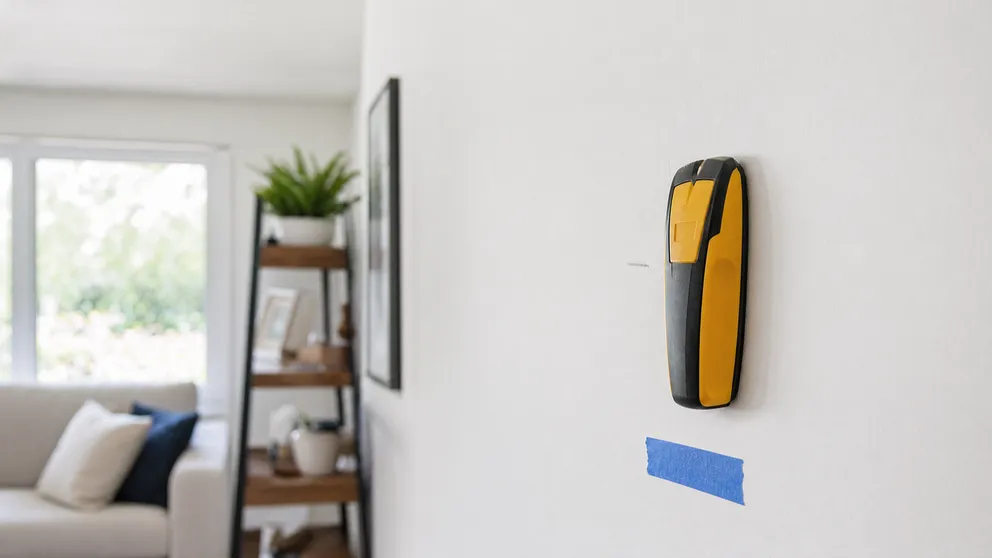
A magnetic stud finder is a strong magnet that grabs the screws in your wall studs. How to use it, when it beats electronic finders, and when it fails.
Stud Finder turns your phone into a precision wall scanner. Know where the studs, screws and pipes are before you drill.
Download the App