
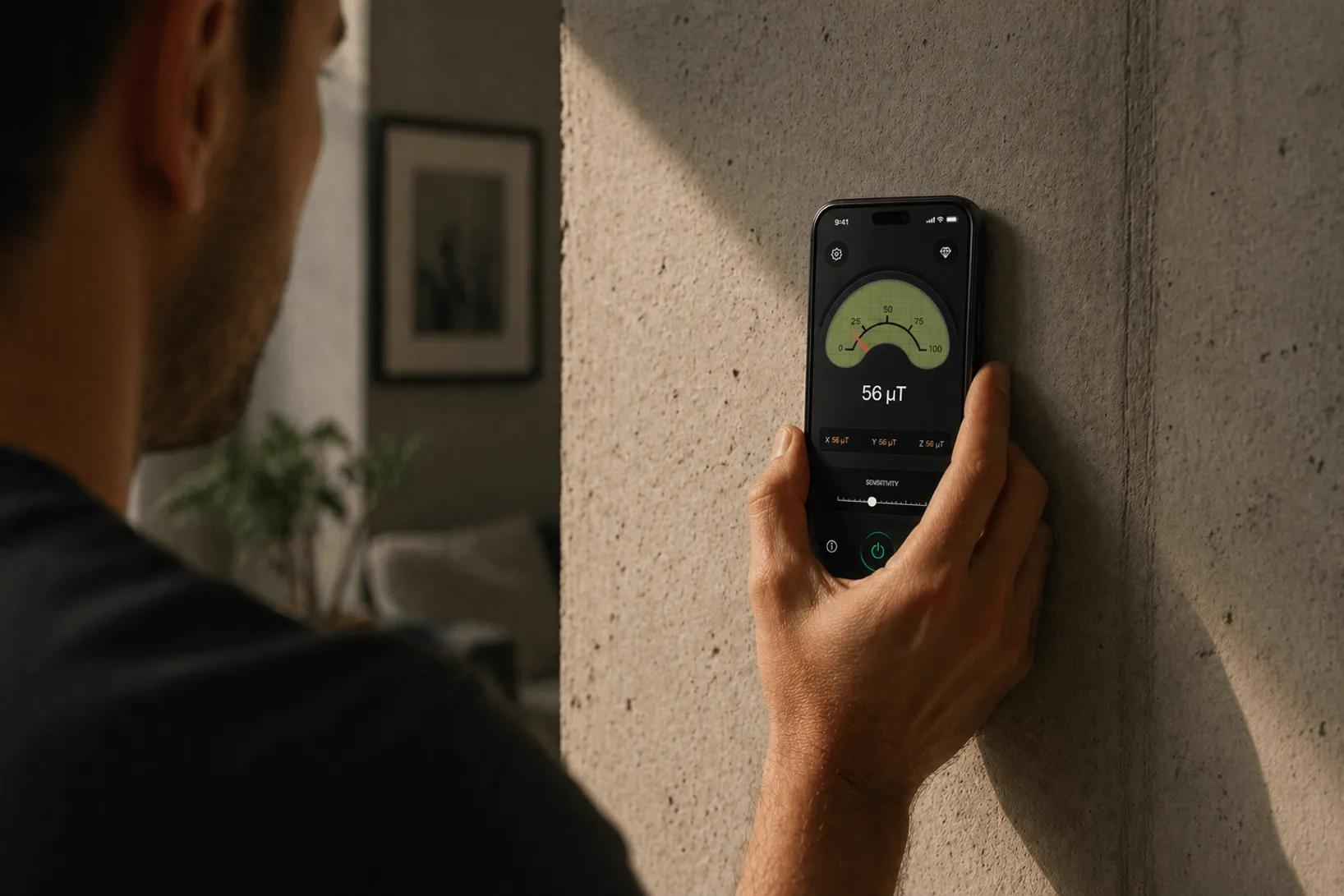
Slide your phone across the wall and Stud Finder reveals what's hiding underneath. No more drilling blind.
Stud Finder is an iOS and Android app that locates wall studs using the phone's built-in magnetometer, replacing $20–$50 hardware stud finders for DIY tasks like mounting TVs, shelves, and cabinets. The magnetometer is the same three-axis sensor the Compass app uses; the app watches for magnetic spikes from the screws and nails that anchor drywall to each wall stud, then shows you where to drill.
A stud finder app detects studs indirectly: it reads the phone's magnetometer and watches for magnetic spikes from the steel screws and nails that fasten drywall to each stud. Fasteners sit within an inch of the stud's center, so two or more spikes stacked on the same vertical line mark a stud you can safely drill into.
Every iPhone from the iPhone 5 onwards ships with a three-axis magnetometer. Apple uses it for the compass and for augmented-reality heading. We repurpose that same chip to measure tiny magnetic disturbances in a drywall surface — the ones created by the steel screws and nails driven into the studs.
A standard wall has a stud every 16 inches (or sometimes 24 inches). Each stud is anchored to the drywall with several fasteners. The app does not detect the wood itself; it detects those fasteners. Because the fasteners sit within an inch of the stud's center, finding them is close enough to mount safely.
Slide your phone across the wall and Stud Finder reveals what's hiding underneath. No more drilling blind.
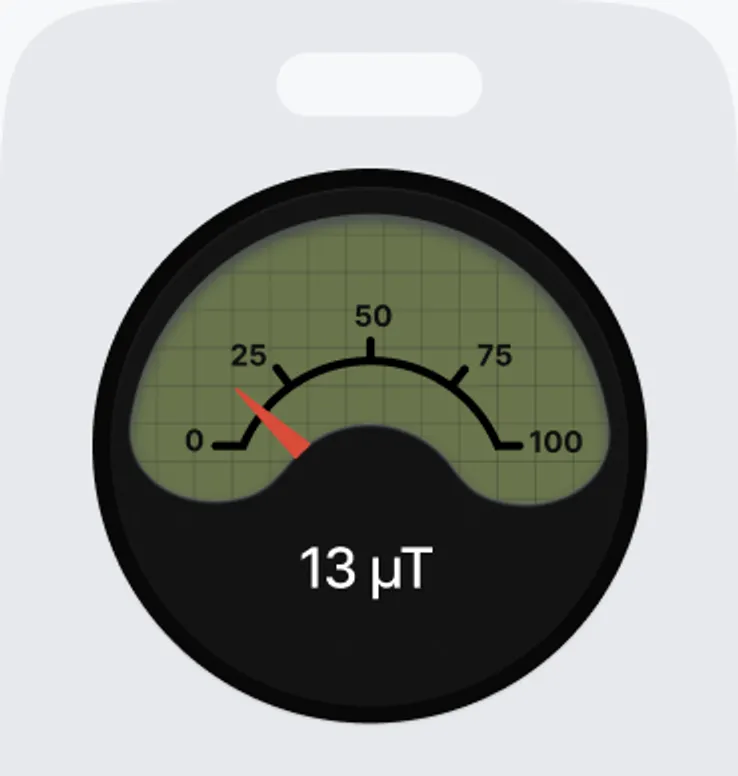
A real-time magnetic reading shows you exactly how strong the signal is. Higher numbers mean a screw or nail is right there.
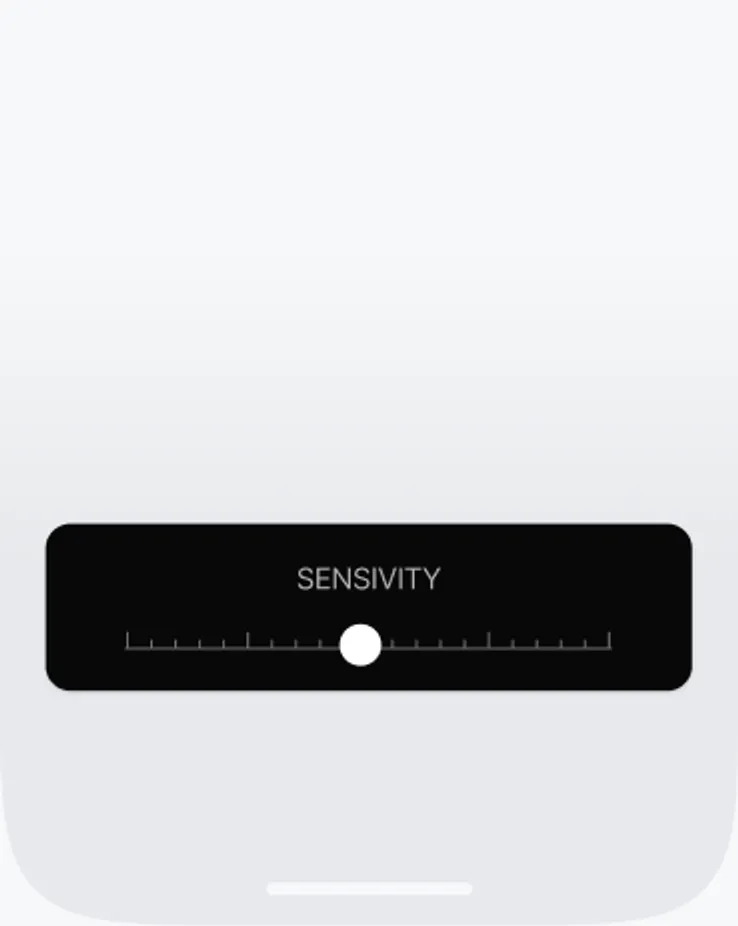
Fine-tune the Stud Finder sensitivity for any surface. Drywall, plaster or brick all get an accurate reading.
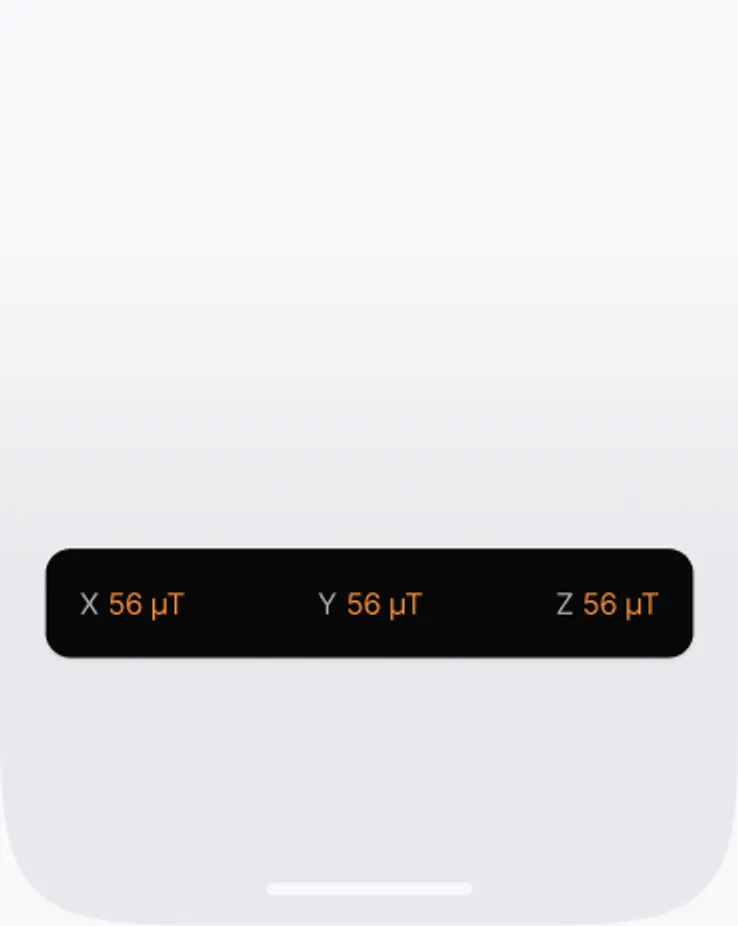
Track magnetism on all three axes at the same time. You see exactly which direction the metal is pulling from.
For hanging pictures, shelves, curtain rods, and most flat-screen TVs on standard drywall, a phone-based stud finder app is reliable, ad-free, and always with you. For very heavy mounts, plaster walls with metal lath, or commercial steel-stud construction, combine the app with a hardware capacitive stud finder and drill only where both agree. For the full step-by-step routine, see how to use a stud finder app.
Stud Finder turns your phone into a precision wall scanner. Know where the studs, screws and pipes are before you drill.
Download the App