
Online Stud Finder: Is There One That Works in a Browser?
Looking for an online stud finder with no download? Why a web page can't read your phone's sensor, what those sites do, and the fastest free options.
Stud Finder is an iOS and Android app that locates wall studs using the phone's built-in magnetometer, replacing $20–$50 hardware stud finders for DIY tasks like mounting TVs, shelves, and cabinets. It's free to try, ad-free, and works offline.
The stud finder app for iPhone and Android. Find wall studs through drywall with your phone's magnetometer — accurate to within about an inch, no extra hardware. Free to try, ad-free.
+127K
walls scanned
+50K
people trust us
4.3
App Store rating
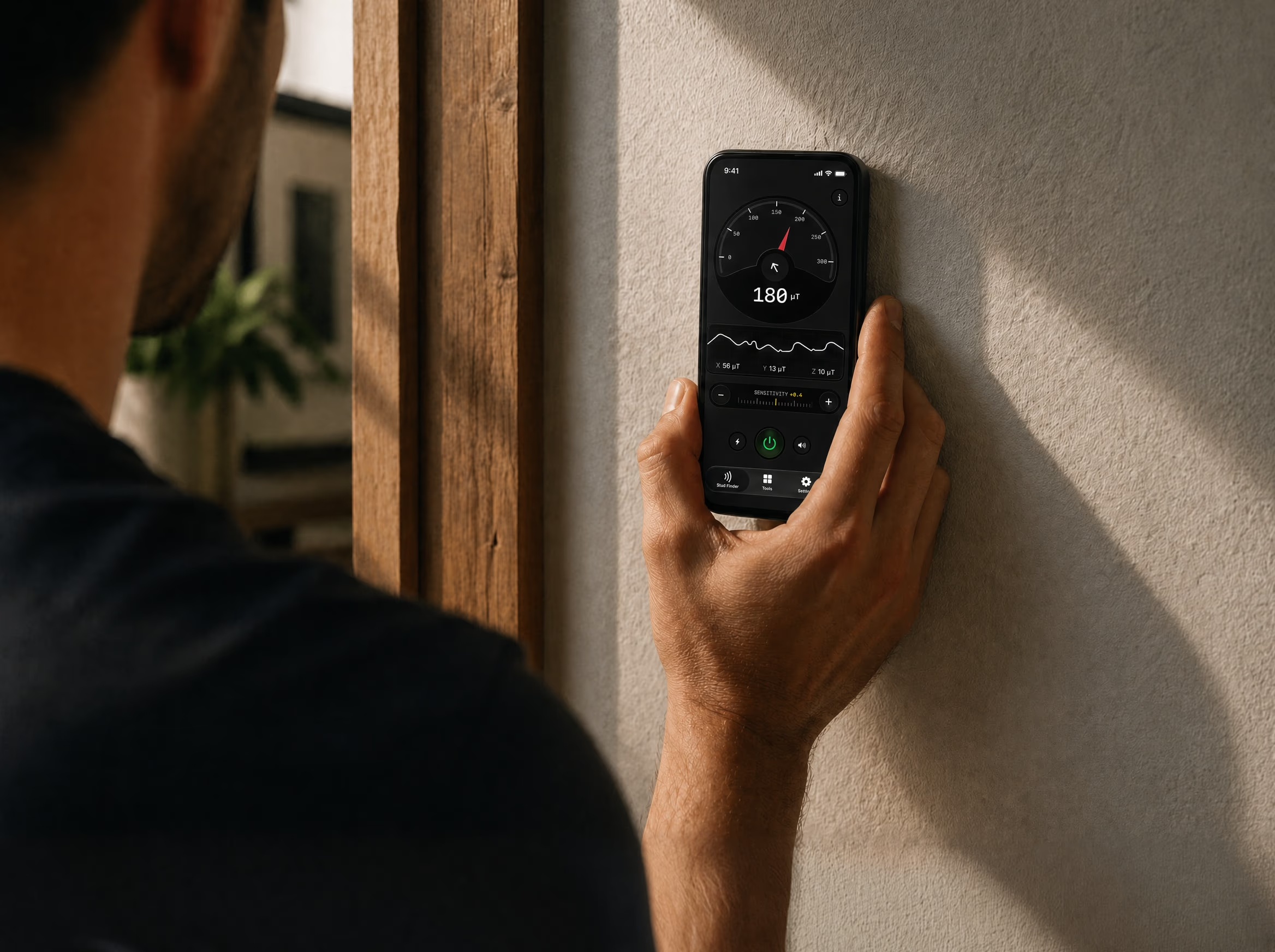
Your phone's built-in magnetometer detects the screws and nails behind drywall. No extra hardware needed.
Measures the distance between two studs and verifies standard 16″ / 24″ framing.
An on-screen heatmap shows exactly what the sensor picks up. No guessing, just raw physics.
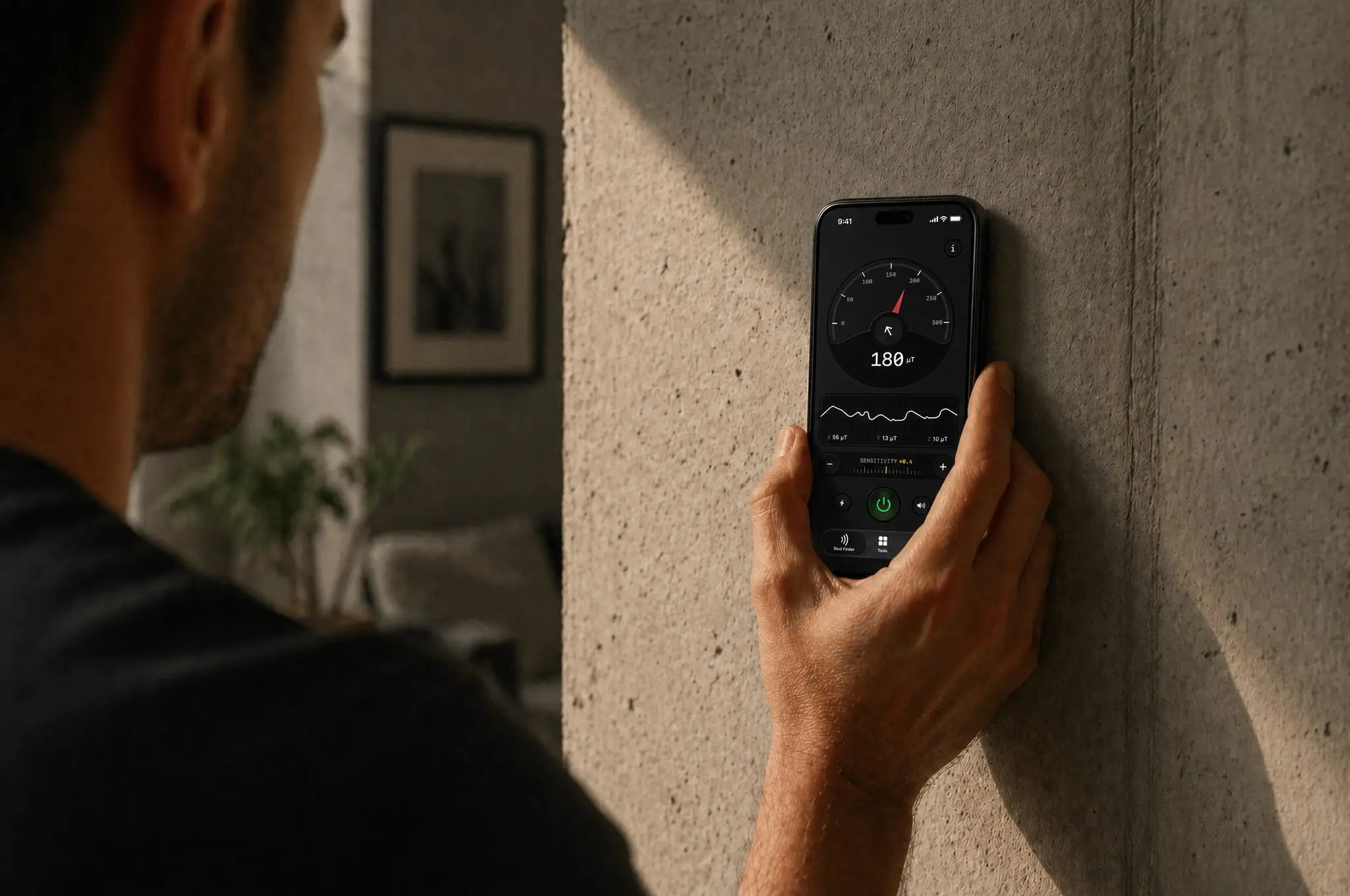
Slide your phone across the wall and Stud Finder reveals what's hiding underneath. No more drilling blind.
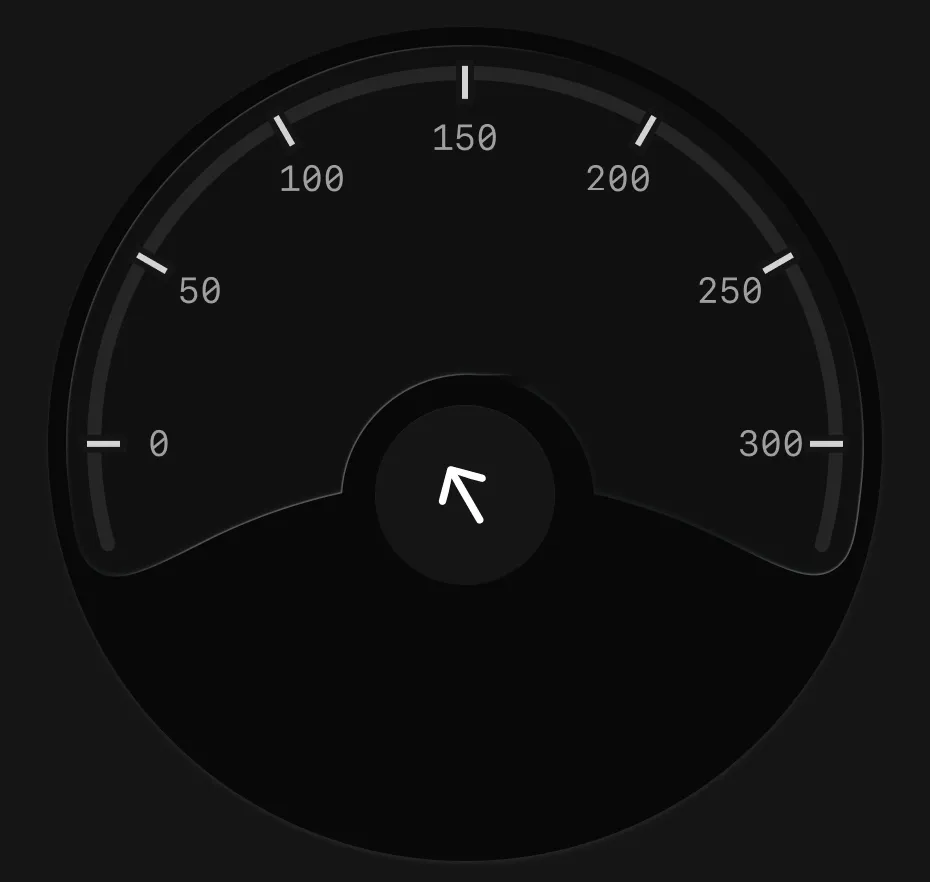
A real-time magnetic reading shows you exactly how strong the signal is. Higher numbers mean a screw or nail is right there.
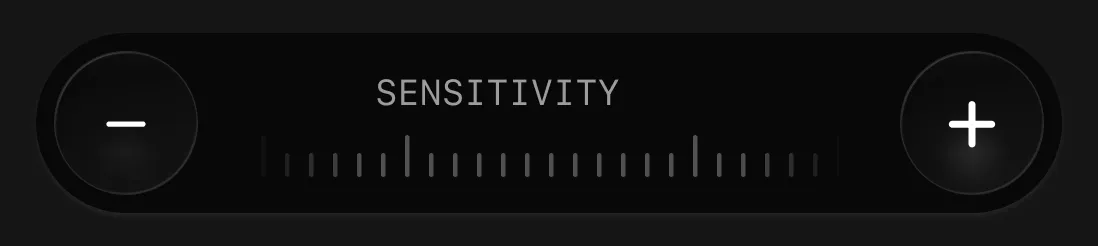
Fine-tune the sensitivity: turn it up for screws set deeper, like behind tile. Lath plaster and brick are still its limits.
Track magnetism on all three axes at the same time. You see exactly which direction the metal is pulling from.
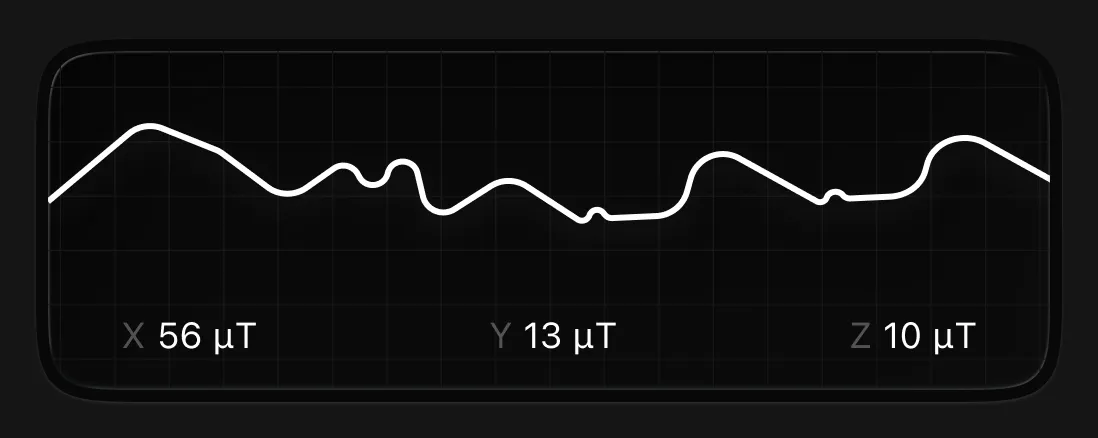
A stud finder app doesn't see wood through the wall, and any app that claims to is faking it. What your phone's magnetometer actually detects is the steel screws and nails that anchor drywall to each stud: against Earth's ambient magnetic field of 25–65 microtesla (NOAA World Magnetic Model), a fastener at contact distance reads 50–200 microtesla — a sharp, unmistakable spike. Because studs sit on 16-inch centers in U.S. residential framing (IRC §R602.3.1) and fasteners land within an inch of each stud's center, finding the screws means finding the stud.
The full physics is on how it works, the head-to-head with a $30 wand is in app vs. hardware, and the detailed honest test is in do stud finder apps work. Platform-specific guides: iPhone and Android.
Stud Finder is a free-to-try stud finder app for iPhone and Android that locates wall studs using your phone's built-in magnetometer, replacing $20–$50 hardware stud finders for DIY tasks like mounting TVs, shelves, and cabinets. It's free to try, ad-free, and works offline.
Yes. On standard drywall over wood framing — the construction style most North American homes use post-1960 — a magnetometer-based stud finder app locates studs to within about an inch by reading the metal fasteners holding drywall to each stud. Here's the full breakdown of whether stud finder apps work and how accurate they are.
On 1/2-inch drywall over 16-inch-center wood studs, iPhone magnetometer-based detection is comparable to a hardware capacitive stud finder for typical loads (shelves, picture frames, curtain rods, most TV mounts). For heavy mounts above 30 lb, the safest workflow is to use both tools and only drill where they agree.
Any iPhone with a built-in magnetometer — every model since the iPhone 3GS. The newer the phone, the cleaner the signal, but even older devices give a usable reading on standard drywall.
Most plastic, silicone, and leather cases are fine. Thick metal cases, MagSafe wallets and magnetic mounts can interfere with the magnetometer — remove them for the best reading.
Concrete and solid brick walls don't have studs the way drywall construction does, so the app isn't designed for them. For masonry, use the appropriate anchor and a hammer drill.

Looking for an online stud finder with no download? Why a web page can't read your phone's sensor, what those sites do, and the fastest free options.
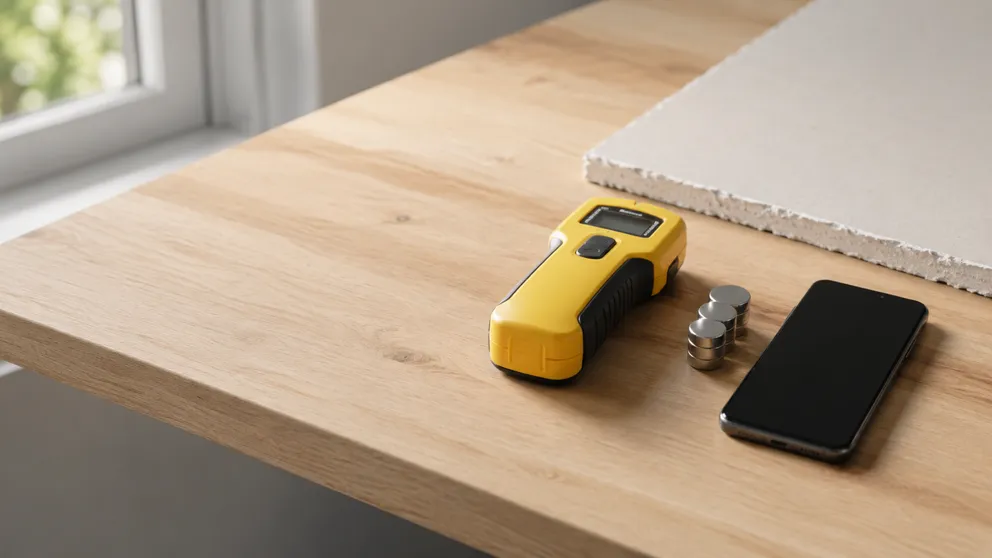
What is a stud finder used for, and do you need one? Plain answers on the tool that finds framing behind drywall — and the free-to-try one in your pocket.
Stud Finder turns your phone into a precision wall scanner. Know where the studs, screws and pipes are before you drill.
Download the App