
How to Find a Stud With Your iPhone (Without Buying Anything)
Your iPhone has a magnetometer built in — the same sensor a stud finder app reads. Here's how to find a stud with just your phone, step by step.
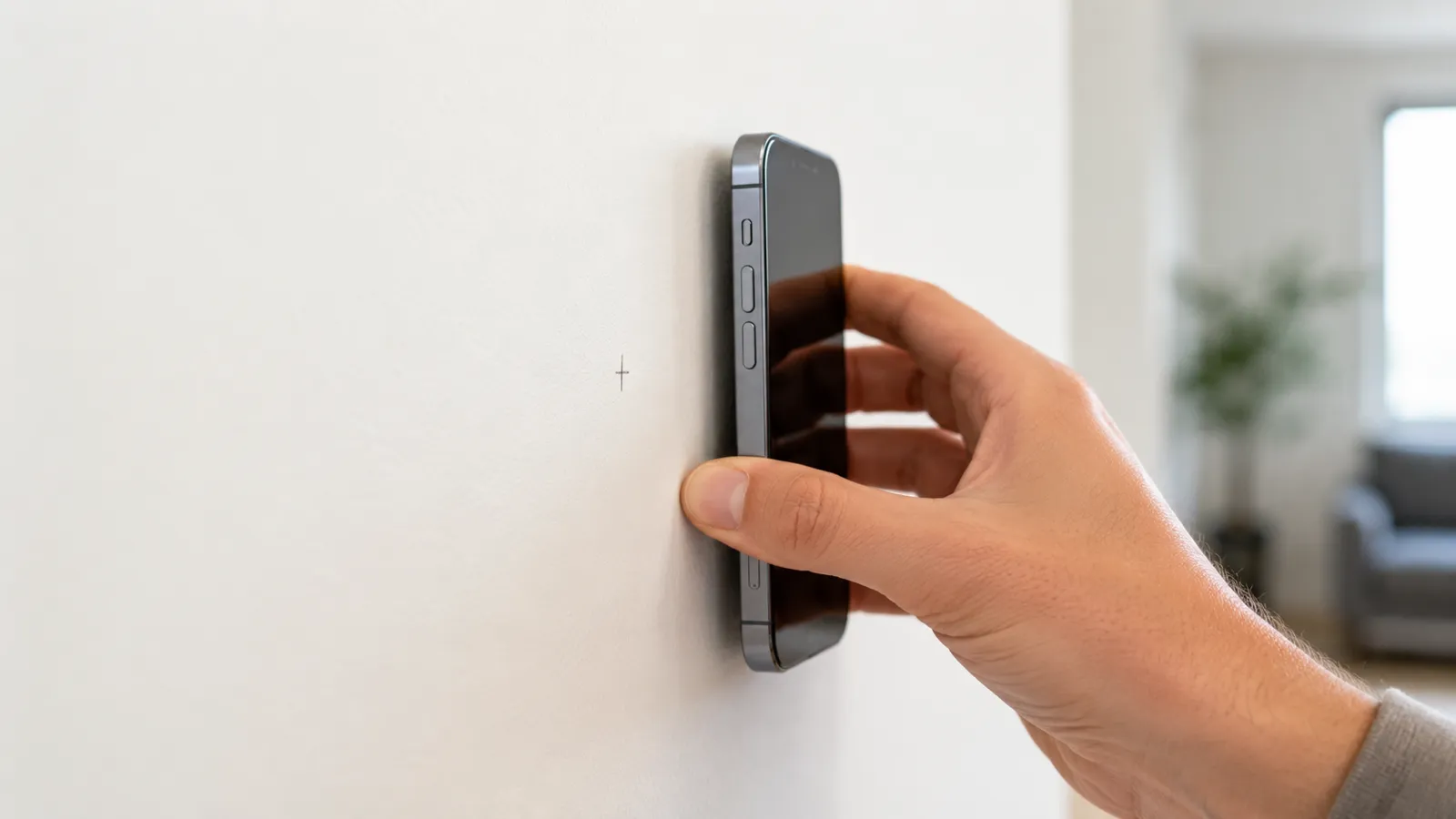
A stud finder app doesn’t need a manual; it needs a routine. Here’s the routine that works on every drywall wall in a typical home:
Each step takes about 10 seconds. The whole thing is under a minute per stud once you’ve done it twice.
When the scanner starts, hold the phone still for about a second, away from magnets and big metal — not on a steel desk, not next to a radiator or your laptop. Stud Finder uses that moment to take a baseline of the ambient magnetic field, automatically — there’s no button to press — so it can identify the spikes you’ll see later. Earth’s ambient magnetic field is about 25–65 microteslas (μT) depending on location (NOAA World Magnetic Model) — calibration teaches the app what your local baseline looks like before it tries to detect spikes above it.
After that it keeps updating the baseline as you sweep. If you started while moving or right next to metal, hold still for a few seconds somewhere clean and it learns the background again — a bad start is a common reason readings look noisy.
If you’re using a phone case with a magnetic ring (MagSafe wallets, ring grips), take it off. The case magnet sits a few millimeters from the phone’s magnetometer and will saturate the sensor.
Place the phone flat on the wall, screen facing you, then move sideways slowly and steadily. Aim for about 2 inches per second — slower than you’d think, but iPhone’s magnetometer samples at up to 100 Hz via Core Motion’s CMMagnetometerData, which is far faster than your hand can move past a fastener.
Keep the phone flush. Tilting it changes the orientation of the magnetometer relative to the fastener, which shifts the apparent spike position by half an inch or more. If your wall is textured, that’s fine — magnetic readings don’t care about surface texture, only about the metal underneath.
Watch the live signal. You’re looking for sharp, narrow peaks. Small wobbles are normal — those are background noise. A real fastener spike is unmistakable: a clean, fast jump and a clean fall as you pass it.
When you see a clear spike, stop. Pull the phone back an inch, then move past the same spot again, slowly. The spike should appear in the same place each time.
Now mark the wall. Use a pencil — painter’s tape if you don’t want pencil on the wall. Mark the position of the phone’s center, not the edge. Stud finder apps report the position of the magnetic peak under the magnetometer chip, which is roughly in the middle of the iPhone.
You’ll see plenty of “spikes” that are not studs:
A real stud’s fasteners are always two or more in a vertical line — drywall is anchored to studs every 16 inches on center per IRC §R602.3.1, with multiple fasteners up the height of each stud. Which is why step 4 exists.
Move the phone up or down by about 30 cm (a foot) and run the same horizontal sweep across your marked spots.
A stud will give you another spike at one of the same horizontal positions. Stray nails, picture hangers, and electrical fittings won’t — they’re isolated. This second pass is the entire reason stud finder apps work as well as they do: they don’t need to know what the stud looks like, they just need to see the fastener pattern.
If a spike repeats, that’s a stud. If it doesn’t, ignore the first reading and move on.
Before any pilot hole, knock with your knuckle directly on the marked stud, then immediately to the left and right of it. The stud sounds noticeably duller — a low thud rather than a hollow knock.
This costs nothing and catches most app errors. If the wall sounds the same on the mark as it does to the side, your reading was probably wrong. Re-scan.
The final check, before you drive the actual screw or lag bolt:
A 1/16” pilot is barely visible and patches with a dab of spackle if you miss. It’s the cheapest insurance in DIY.
A few things people do that wreck the reading:
Once you’ve found two studs in a wall, the rest of mounting is mechanical: lag the bracket directly into the marked centers, level, and tighten. The hard part of any wall mount is finding the studs you can trust. The workflow above gives you that.
If you haven’t installed the app yet, grab the stud finder app here. It’s free to try, ad-free, no signup to start. For walls that don’t fit the typical drywall pattern, our wall stud finder app guide covers what to do.
Open the app and hold your iPhone still for a second, away from magnets and big metal, while it calibrates itself. Then hold it flat against the wall and sweep slowly and evenly across it while watching the live signal.
It needs a baseline — the background magnetic field where you are — so it can recognize the spikes a fastener adds. Stud Finder learns it automatically while you hold the phone still for about a second at the start, then keeps updating it as you sweep. There's no calibrate button.
Slow and even — about 5 cm (2 inches) per second. Faster than that and you'll miss spikes; slower is fine but takes longer.
Two or more sharp, narrow spikes stacked on the same vertical line when you sweep at different heights. A single spike at one height is more likely a stray nail or an electrical box.
Either you're scanning a wall the app can't read (plaster, masonry), the phone case has a metal magnet that's interfering, or the scan started while the phone was moving or next to metal, so the background it learned is off. On steel studs the reading is a broad, steady band rather than a sharp spike, which is easy to mistake for interference. Take the case off, hold the phone still for a few seconds away from metal, and sweep again.
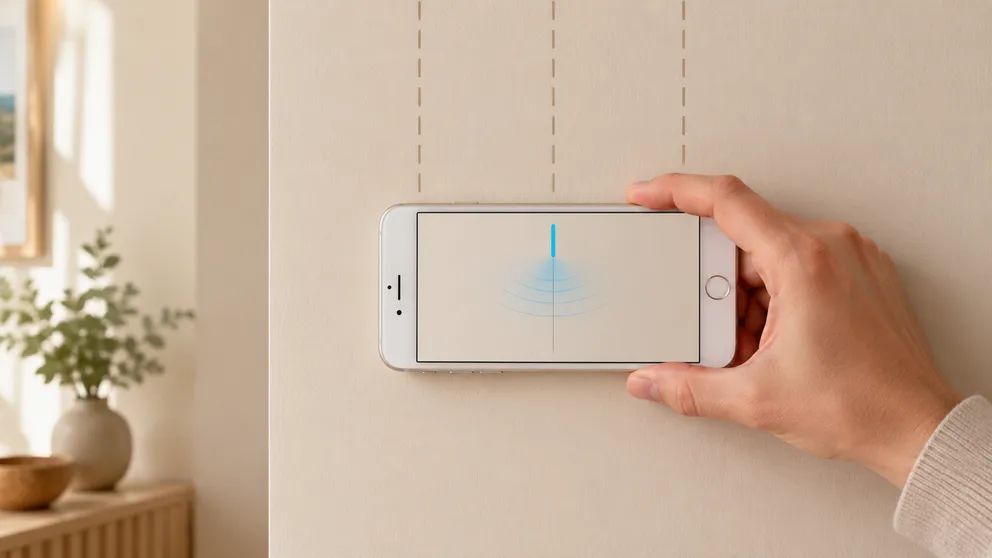
Your iPhone has a magnetometer built in — the same sensor a stud finder app reads. Here's how to find a stud with just your phone, step by step.

Looking for an online stud finder with no download? Why a web page can't read your phone's sensor, what those sites do, and the fastest free options.
Stud Finder turns your phone into a precision wall scanner. Know where the studs, screws and pipes are before you drill.
Download the App