
Do You Need a Stud Finder to Mount a TV? What to Know
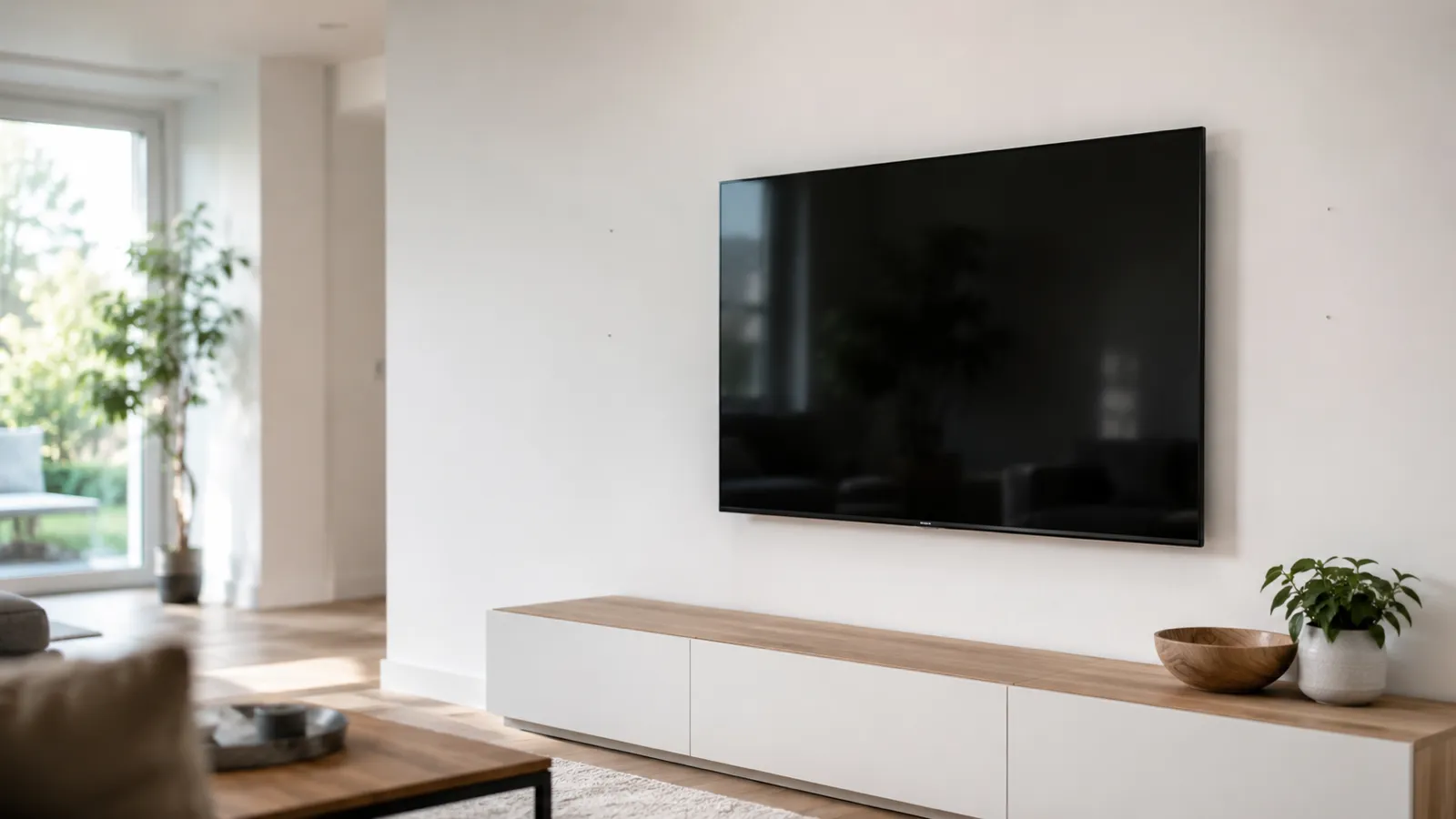
Do you need a stud finder to mount a TV?
You need to find studs — and a stud finder is the easiest tool for it, though not the only one. A modern TV plus a full-motion mount can put 40, 60, even 100 pounds of leverage on the wall, and drywall on its own won’t hold that. The fasteners go into the wood framing behind the drywall, so you have to know exactly where that framing is.
The finder itself is interchangeable. A hardware stud finder, a phone stud finder app, a strong magnet, or the outlet-and-tape-measure trick all get you to the same studs. What you can’t skip is the step of finding them.
When you can skip the studs
There’s a narrow case where anchors alone are acceptable:
- Small, light TVs (roughly under 30 lbs) on a fixed, low-profile mount
- Using heavy-duty toggle bolts or specialized drywall anchors rated well above the TV’s weight
- On sound, undamaged drywall — not over a patched or crumbling section
Outside that — bigger screens, tilting or swing-arm mounts, plaster walls — anchors are a gamble. A full-motion arm multiplies the pull on the wall every time it’s extended, and that’s exactly when a drywall-only mount lets go. When in doubt, find a stud.
How to find the studs for a TV mount
Three reliable ways, fastest first:
- Scan with an app or finder. Sweep the wall at mount height and mark every hit. A magnetometer app or magnetic finder locates the screws in the stud; an electronic finder reads the stud’s density. For the full method, see how to use a stud finder.
- Start at an outlet. Electrical boxes are nailed to the side of a stud. Find one near your mount height, confirm which side is solid by knocking, then measure in 16-inch steps — most US framing is on 16-inch centers.
- No tools at all. The knock test, a magnet on the drywall screws, and 16-inch measuring still work. We cover them in how to find studs without a stud finder.
Whatever you use, mark the stud center, not just an edge — the lag needs to bite the middle of the 1.5-inch stud face.
Mounting into studs the right way
Once you’ve found and verified the studs:
- Confirm with a pilot. Drill a 1/16″ pilot at each mark. Wood shavings mean you’re on the stud; powder or empty cavity means re-scan.
- Match the mount to the studs. A full-motion or large mount should span two studs — that’s why plates are about 16 inches wide. A small fixed mount can land on one.
- Use the right lag bolts. Most mounts spec 5/16-inch lags driven 2.5–3 inches into the stud, into a proper pilot hole so the wood doesn’t split.
- Level as you go. Set the top two bolts, level the plate, then drive the rest.
What goes wrong when you skip this step
Mounting a TV without finding studs is the single most common way these jobs fail. Drywall anchors pull out under sustained load, especially with a moving arm, and a falling TV takes a chunk of wall — and warranty — with it. Worse, drilling blind risks a pipe or a live wire running through the cavity. Two minutes with a finder or an app removes both risks. It’s the cheapest insurance in the whole job.
The bottom line
You don’t strictly need a stud finder to mount a TV — but you absolutely need to find the studs, and a finder or a free phone app is the quickest way there. Hit at least one stud for a small fixed mount, two for anything larger or moving, verify with a pilot, and use the lag bolts the mount specifies. Do that and the TV stays exactly where you put it.
Find your studs first with the stud finder app — free to try, ad-free, no signup to start.
Frequently asked questions
How to Find Ceiling Joists: 5 Ways That Actually Work
Find ceiling joists with a phone app, a magnet, or a tape measure. Joists run 16 or 24 inches on center — and a ceiling joist finder is already in your pocket.

Stud Finder App vs Walabot: Which Do You Actually Need?
Stud finder app vs Walabot — one is free and lives on your phone, the other is a paid imaging device that sees pipes and wires. An honest comparison of what each finds, and which fits your job.
See behind the wall,
now in your pocket.
Stud Finder turns your phone into a precision wall scanner. Know where the studs, screws and pipes are before you drill.
Download the App