
Free Stud Finder App for iPhone & Android (Ad-Free)
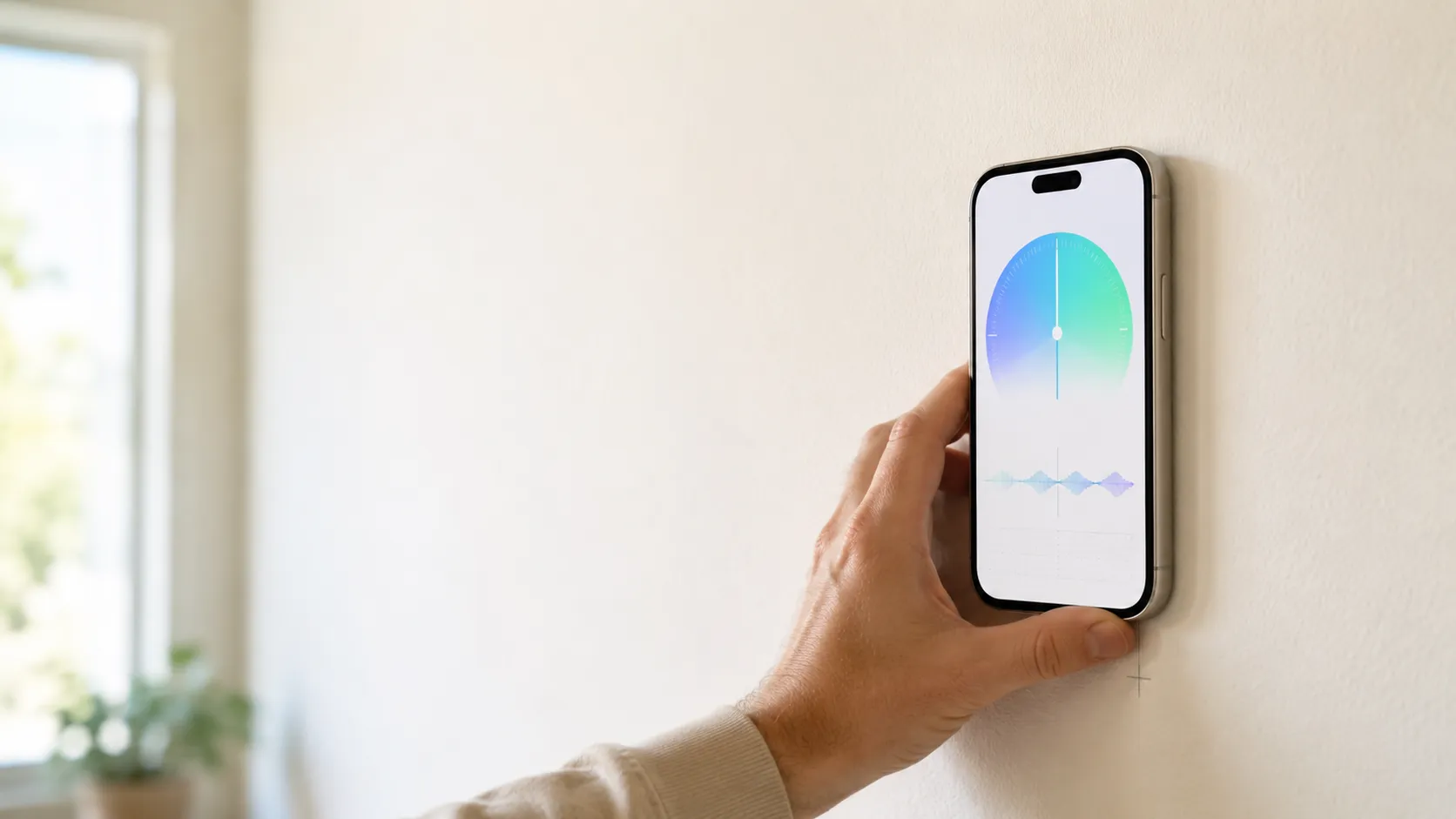
Free to download, because the sensor is already in your pocket
Every iPhone since the 3GS — and every Android phone with a magnetic field sensor — ships with a magnetometer, the same chip the compass uses, exposed to developers through Apple’s Core Motion framework and the Android Sensor framework. A stud finder app reads that chip directly. The detection happens entirely on your device, in real time, using sensor data the phone already gathers.
There’s nothing recurring to run: no cloud inference, no external API call, no 9V battery to consume. The marginal cost of one more scan is zero, which is why nearly every stud finder app is free to download. What a subscription actually funds is the ongoing work — updates for new phones and OS versions, support, and keeping the app ad-free. The honest version of that is a clear free trial up front and no ads, ever; the dishonest version is a fake “free” listing that springs a surprise paywall after a fake scan.
What to look for in a stud finder app
“Free” in the App Store and Google Play covers a wide range. The version worth installing has these, regardless of price:
- Real magnetometer detection. It reads the live sensor, not a scripted “scanning” animation. A live reading in microteslas is the tell.
- A live signal, not a yes/no. You can see the spike rise and fall as you cross a fastener, so you can verify the reading yourself.
- Explicit calibration. It takes a baseline reading before it tries to detect spikes against it.
- No ads in the scan view. A banner on a settings screen is tolerable; an ad while you’re marking a stud is dangerous.
- No signup to start. A stud finder does not need your email to read a sensor.
- Honest pricing. If it’s a paid app, it says so plainly with a real free trial — not a fake-free listing, and not detection hidden behind an undisclosed paywall.
- Works offline, no tracking SDKs. Reading a sensor requires no network and no third-party telemetry.
Stud Finder meets all of these on both iPhone and Android: free to try, ad-free, offline, no signup to start.
The “free” patterns worth avoiding
Not every “free” listing is equal. Here’s how to read them:
| Pattern | What’s happening | Verdict |
|---|---|---|
| Fake scan animation, no live reading | It never touches the magnetometer | Pass |
| Ads inside the scan view | Revenue model interferes with the tool | Pass |
| “Free” with an undisclosed paywall on first scan | Bait-and-switch — no trial, no disclosure | Pass |
| Data-harvesting “free” app | Free, but sells location/motion data | Pass |
| Free trial, clearly disclosed, then a subscription | Honest paid app | Acceptable |
| Free to download, ad-free, real detection | What you want | Best |
The distinction that matters isn’t free-versus-paid — it’s honest-versus-not. A clearly disclosed free trial is fine. A fake scan, an ad buried in the detection view, or a paywall that ambushes you after pretending to be free is not.
What the app actually finds
A good stud finder app, used correctly, finds studs in:
- 1/2-inch or 5/8-inch drywall over wood framing — accurate to within an inch, per the 16-inch on-center spacing required by IRC §R602.3.1 for most US/Canada residential construction
- Multi-layer drywall in fire-rated walls — slightly attenuated but still readable
- Engineered framing like LVL beams or I-joists — fasteners are still ferrous
It does not work on metal studs, masonry, or thick plaster — and no app, paid or free, would have helped on those. Those are sensor limitations, not software limitations.
For the full breakdown of where the app works and doesn’t, see do stud finder apps work.
Does the price change the quality?
No. The signal is the same on a free trial or a paid plan. “Quality” for a stud finder app is mostly the visualization — does the live graph make spikes obvious, does calibration feel deliberate, does the UI stay out of your way. Those are design decisions, not pricing decisions. A well-designed app beats a poorly-designed one at any price.
The criteria for a good stud finder app — live signal graph, explicit calibration, no fake AR overlays — are independent of cost. We covered them in detail in the best stud finder app.
How to get the most out of any stud finder app
The app you pick will only be as accurate as your technique. A 60-second routine that gets the most out of any magnetometer app:
- Take the phone case off if it has a MagSafe ring or magnetic wallet — they saturate the sensor.
- Calibrate well away from the wall. A second of stillness in open air gives the app a clean baseline against Earth’s 25–65 μT ambient field.
- Sweep slowly at chest height. About 2 inches per second. Mark each sharp spike with a pencil.
- Sweep again 30 cm higher or lower. A real stud spikes at the same horizontal position both times.
- Tap test, then drill a 1/16-inch pilot. Wood within the first quarter inch confirms.
The two-sweep step is what turns “promising” readings into reliable ones. No app skips it for you.
For the full step-by-step, see how to use a stud finder app on iPhone.
The bottom line
A stud finder app is free to download because the sensor is already in your phone and the detection costs nothing to run. The honest ones give you a free trial, run ad-free, and show you the live signal so you can trust the reading. Detection accuracy doesn’t change with price — so pick the one that’s clear about what it costs and gets out of your way.
If you want one that fits that description, our stud finder app is on the App Store and Google Play — free to try, ad-free, no signup to start.
Frequently asked questions
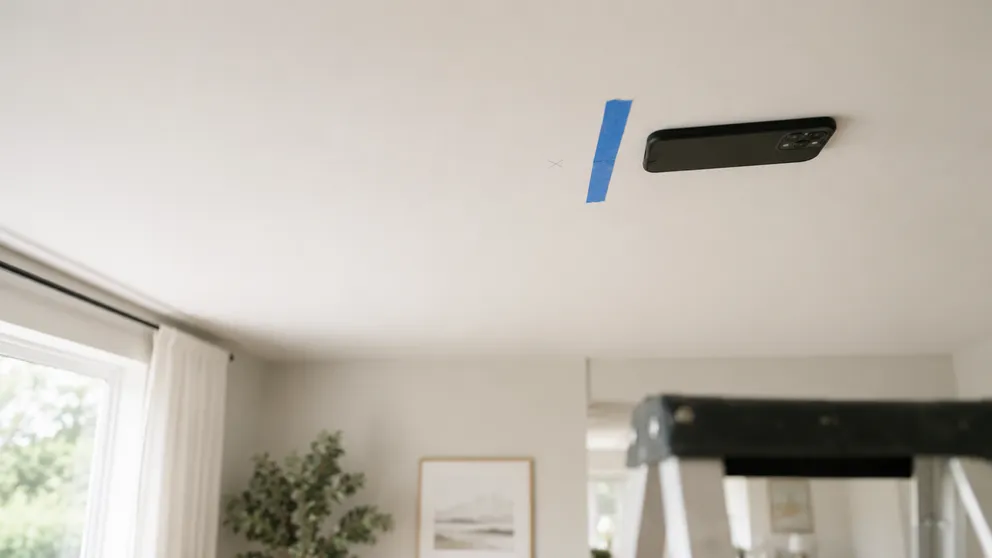
How to Find Ceiling Joists: 5 Ways That Actually Work
Find ceiling joists with a phone app, a magnet, or a tape measure. Joists run 16 or 24 inches on center — and a ceiling joist finder is already in your pocket.
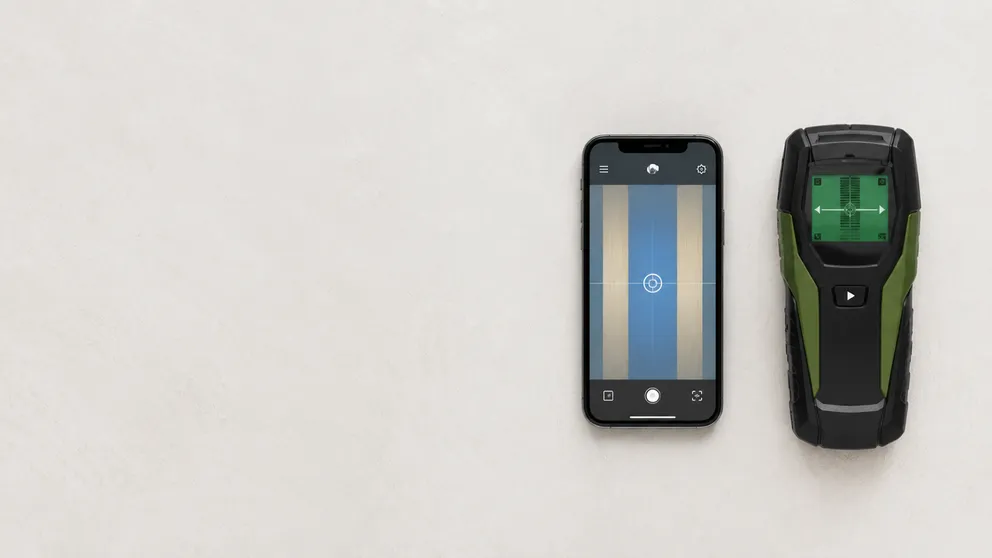
Stud Finder App vs Walabot: Which Do You Actually Need?
Stud finder app vs Walabot — one is free and lives on your phone, the other is a paid imaging device that sees pipes and wires. An honest comparison of what each finds, and which fits your job.
See behind the wall,
now in your pocket.
Stud Finder turns your phone into a precision wall scanner. Know where the studs, screws and pipes are before you drill.
Download the App