
How Accurate Are Stud Finder Apps? An Honest Answer
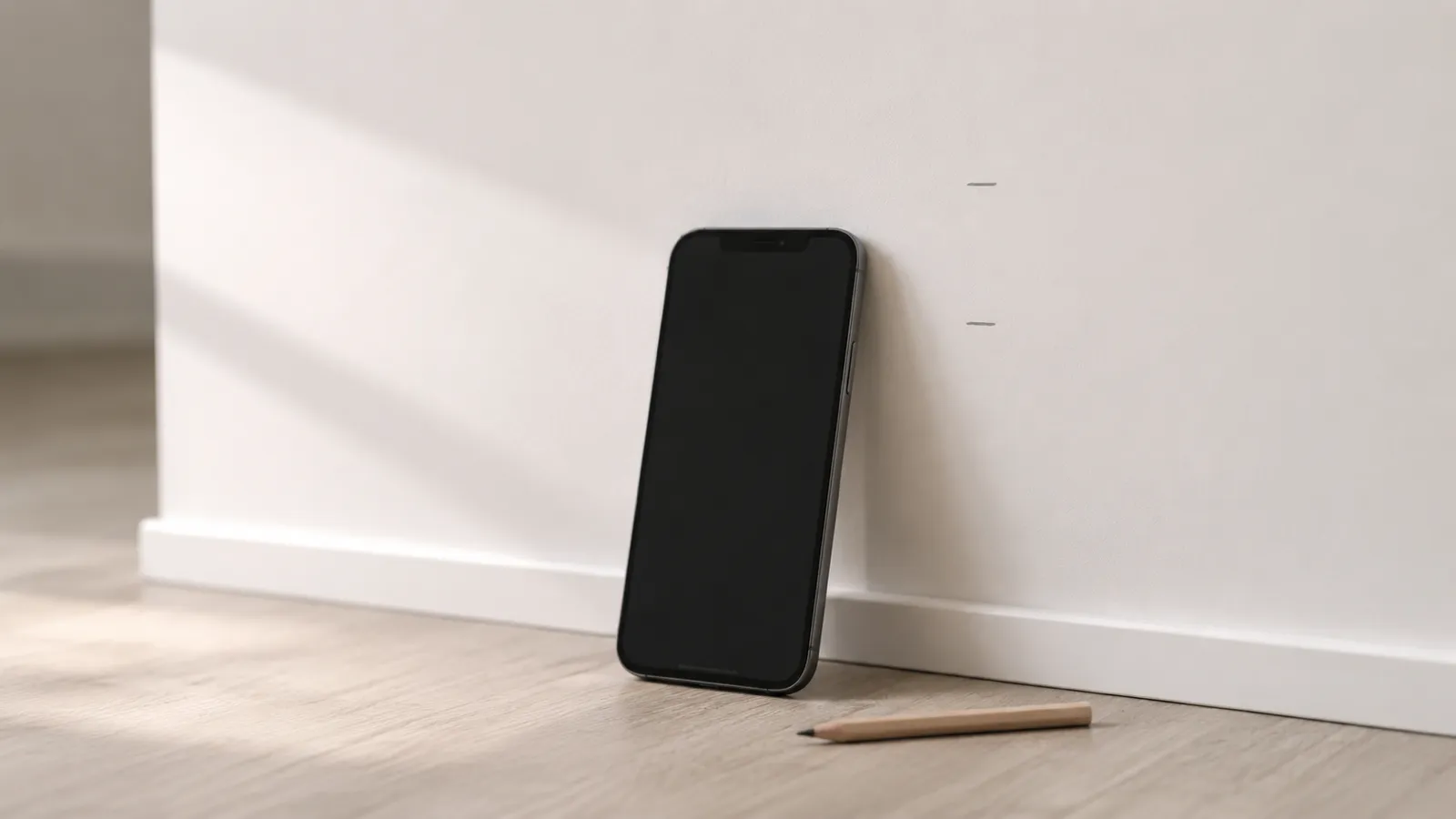
On standard drywall, a stud finder app gets within an inch
The honest, useful number: on a typical North American wall — 1/2-inch drywall over 16-inch-center wood framing — a properly calibrated stud finder app locates the stud center to within roughly an inch.
The 16-inch figure isn’t a convention, it’s code. The International Residential Code §R602.3.1 sets the maximum on-center spacing for load-bearing wood studs at 24 inches and most interior partitions land at 16 inches. That predictable grid is what gives any stud finder — app or hardware — a fighting chance: if you’ve found one stud, the next one is 16 (or 24) inches away. The job of the app is just to confirm which it is. Earth’s magnetic field sits around 25–65 μT depending on latitude (NOAA NCEI World Magnetic Model), and a drywall screw embedded in a wood stud reliably perturbs that field by a few μT at iPhone-scanning distance — well above the iPhone magnetometer’s noise floor of roughly 0.1–0.3 μT. That’s the physics that makes the inch-or-so accuracy figure possible.
That’s enough for everything most homeowners actually mount: picture frames, floating shelves, curtain rods, towel bars, mirrors, and most TV brackets. The lag bolts in a TV bracket are wider than the wiggle room in your reading, and they’re being driven into a stud that’s at least 1.5 inches wide. An inch of error doesn’t move the bolt off the stud.
It is not enough for some things — finding a precise stud center for a heavy stone tile rail, for instance, where a half inch matters. For those, verify with a hardware finder and a pilot hole.
What “accuracy” actually means for a stud finder app
When people say “is this accurate?” they’re usually conflating three different questions:
- Did it find a stud at all? (Detection accuracy.)
- Is the position the app gives me actually the center of the stud? (Position accuracy.)
- Is it telling me a stud is there when there isn’t one? (False positive rate.)
A good stud finder app scores well on all three on the right kind of wall. Detection is essentially 100% on standard drywall — fasteners are too magnetic to miss. Position accuracy is the inch-or-so figure above. False positives drop to near zero once you adopt the two-sweep workflow (a single isolated spike is suspect; two spikes on a vertical line is a stud).
The whole reason apps are reliable is the redundancy — not the precision of any single reading.
Where the accuracy breaks down
Specific situations where the app’s reading gets worse, and what to do about each:
| Situation | What it does to accuracy | What to do |
|---|---|---|
| Phone case with a magnet (MagSafe, ring grip) | Saturates the sensor; readings are flat or wildly noisy | Take the case off |
| Skipped calibration | No baseline; the app can’t tell signal from background | Calibrate well away from the wall, every time |
| Plaster over wood lath | Lath nails fire constantly | Use a probe — the app is the wrong tool |
| Metal stud framing | Whole wall reads magnetic | Hardware capacitive finder with metal-stud mode |
| Drywall thicker than 5/8” or layered | Signal attenuated; spikes are smaller | Sweep slower, look for relative peaks |
| Hidden ductwork, copper pipe runs, romex | Localized bad readings near those runs | Avoid that section, scan elsewhere |
| Outlets, switches, recessed boxes | Several inches of corrupted field around each | Don’t scan within 6 inches of any electrical fixture |
Most of these aren’t app failures — they’re the magnetometer telling you honestly that the underlying signal isn’t clean.
How to maximize the app’s accuracy
A few habits make every reading better:
- Always calibrate. It takes one second. Skipping it is the single most common cause of bad readings.
- Take the phone case off. Especially anything MagSafe-related.
- Sweep slowly. About 2 inches per second. The magnetometer samples plenty fast; the bottleneck is your eyes reading the graph.
- Always sweep twice at different heights. A stud spikes at the same horizontal position both times. Anything that doesn’t repeat is noise.
- Stay away from outlets and switches. Six-inch buffer.
- Mark with a pencil, not your eye. A small pencil dash on the wall under the phone’s center is more accurate than trying to remember where the spike was.
These are the difference between “within an inch” and “wandering.” None of them are hard to do.
When the reading is wrong (and how to tell)
A few signals that you should re-scan rather than trust the reading:
- The signal looks the same everywhere across the wall — flat, no spikes. Means: bad calibration, or you’re in the middle of a stud bay with no fasteners visible at this height.
- A spike that doesn’t repeat at a different height. Means: probably a stray nail, not a stud.
- A “stud” exactly behind an outlet, switch, or light fixture. Means: that’s wiring, not framing.
- Spikes spaced 4–6 inches apart. Means: that’s almost certainly the fastener pattern along one stud’s length, not two separate studs. Move the phone vertically and sweep horizontally to find the next stud.
Each of these has a fix. None of them mean the app is broken.
When to bring out a hardware finder too
For most jobs an app is enough. The stakes matter, though: the U.S. Consumer Product Safety Commission’s Tip-Over Information Center attributes thousands of furniture- and TV-tip-over injuries each year to anchors that were never properly fastened to a stud. A two-tool check on heavy mounts is cheap insurance. There are a few situations where a $20 capacitive hardware finder genuinely earns its place:
- Heavy mounts. A 65-inch TV on a full-motion mount loads the wall significantly. Use both tools and only drill where they agree.
- Plaster walls. A capacitive deep-scan mode reads density through plaster better than a magnetometer reads lath nails.
- Metal stud walls. Metal-stud mode on a hardware finder is purpose-built for this.
- Critical safety mounts. Anything where a failure injures someone — wall-mounted heavy mirrors, climbing holds, child safety gates anchored into walls.
Two independent checks aren’t redundant; they’re how professional installers handle every job. The app is one of those checks. For the workflow that uses both well, see how to use a stud finder app.
The honest summary
A stud finder app is accurate enough for the wall most homes have and the things most homeowners hang. On standard drywall, you’ll be within an inch every time — which is plenty for any mount whose lag bolts are wider than that wiggle room. Outside that lane, you’ll know quickly: the signal goes flat, or it goes everywhere, and the app is telling you to grab a different tool.
Try it on your own wall — download the free stud finder app for iPhone and run a single calibrated sweep. Within 60 seconds you’ll know exactly how accurate it is on your specific drywall.
Frequently asked questions
Free Stud Finder App for iPhone — No Subscription, No Ads
A free stud finder app for iPhone reads your phone's magnetometer to find studs through drywall. No signup, no subscription, no in-app purchases — here's why it can be free.

The Best Stud Finder App for iPhone (and How to Pick One)
The best stud finder app reads the iPhone magnetometer cleanly, shows a live signal graph, doesn't paywall, and gets out of your way. Here's how to evaluate any of them.
See behind the wall,
now in your pocket.
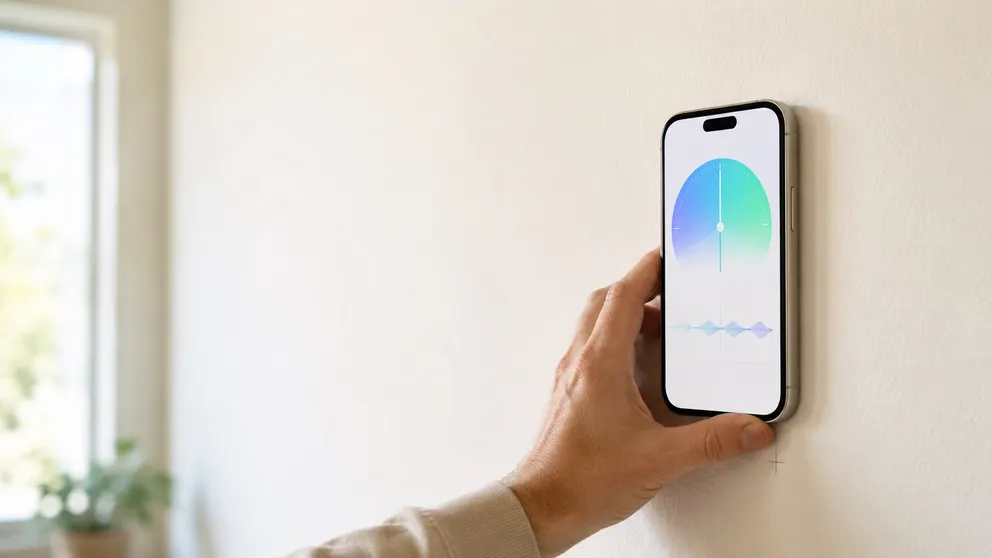
Stud Finder turns your phone into a precision wall scanner. Know where the studs, screws and pipes are before you drill.
Download the App