
Online Stud Finder: Is There One That Works in a Browser?
Looking for an online stud finder with no download? Why a web page can't read your phone's sensor, what those sites do, and the fastest free options.
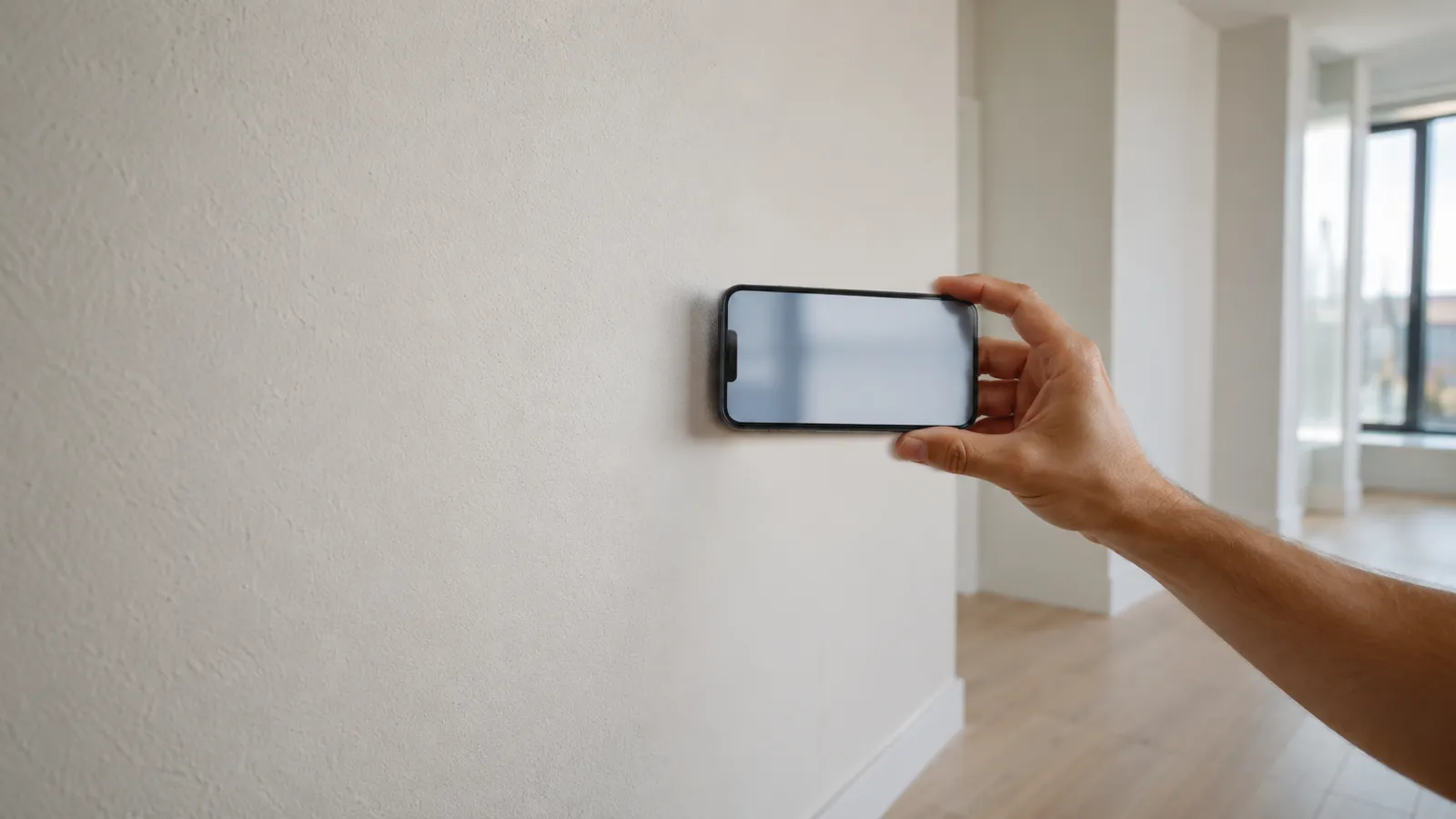
Every modern iPhone ships with a magnetometer — a tiny chip that measures magnetic fields, originally there for the Compass app and exposed to apps via Apple’s Core Motion framework. A wall stud finder app reads that chip live and shows you the spikes when you pass over a screw or nail in the wall — readings expressed in microteslas (μT) above Earth’s 25–65 μT ambient field.
Studs in a drywall wall don’t sit naked behind the surface. They’re fastened to the drywall with metal screws driven every few inches along their length. Find the screws and you’ve found the stud. That’s the entire principle behind every credible wall stud finder app on the App Store.
There’s a small but important distinction between two things people call “stud finders”:
Both end up pointing you at the same stud. They just measure two completely different signals to get there. Which is why, on a problem wall, getting both measurements to agree is the safest possible verification.
For an honest comparison of the two and when each one wins, see our guide to the best stud finder app. And if the question is really about price — what “free” means on the App Store, and which free listings are fake — that’s covered in free stud finder app.
The app is built for the construction style most homes use:
If that describes your wall, the app will find the studs.
Some walls don’t give a clean magnetometer reading:
| Wall type | Problem | Fix |
|---|---|---|
| Plaster over wood lath | Hundreds of small lath nails flood the signal | Probe + small test hole |
| Concrete, brick, masonry | No studs to find | Use anchors rated for masonry instead |
| Thick mud-set tile | A mortar bed puts the screws out of range; metal lath adds noise | Find the stud above or below the tile, transfer the line with a level |
| Walls with heavy ductwork | Steel ducts dominate the field | Avoid that section, scan elsewhere on the wall |
If you hit one of these, an app is the wrong tool. It’s not a failure of the software — it’s a different problem that wants a different sensor or a small drill bit.
Steel-stud walls aren’t on the list: the app reads the whole steel stud, as a broad band rather than a spike, so mark both edges and use the middle. Neither is ordinary tile on thinset over cement board or drywall — the app reads through it, just more weakly, so sweep slowly. The metal stud and tile guides have the details.
A wall stud finder app gives you a strong hypothesis. Don’t drill on the hypothesis alone. The clean workflow:
A 1/16” pilot is barely visible and easy to patch if you miss. That redundancy is the difference between confident mounting and second-guessing every drill press.
For a step-by-step walkthrough of using the app, read is there a stud finder app for the basics.
A wall stud finder app is the right tool for the wall most people own. It’s free to try, lives in the device that’s already in your pocket, and reads the only sensor it needs. Within its lane — drywall on wood — it’s accurate enough to mount almost everything a homeowner mounts. Outside that lane, it tells you to grab a different tool, which is exactly what a good tool should do.
Try the stud finder app — free to try, ad-free, no signup to start.
Yes — on iPhone and Android, a magnetometer-based app reads the metal fasteners holding drywall to the studs and shows you where each one is. It's free to try, requires no extra hardware, and works on standard drywall walls.
It's an iOS and Android app that uses your phone's built-in magnetometer to detect the metal fasteners that hold drywall to wall studs. The fasteners' position reveals where the stud is.
They work best on standard drywall over wood framing, and they pick up steel studs too, as a broader signal. Plaster, lath, and solid masonry are the limitations — the magnetic signal either floods or has nothing to lock onto.
For light-to-medium loads on standard drywall, yes. For heavy mounts, plaster, or unusual construction, the safest workflow is to use both and only drill where they agree.
On typical 1/2-inch drywall over 16-inch-center wood framing, accurate to within about an inch — enough for shelves, picture frames, curtain rods, and most TV mounts.
Not as a separate step. It calibrates itself while you hold the phone still for about a second at the start — away from magnets and big metal — then keeps tracking the background live as you sweep.

Looking for an online stud finder with no download? Why a web page can't read your phone's sensor, what those sites do, and the fastest free options.
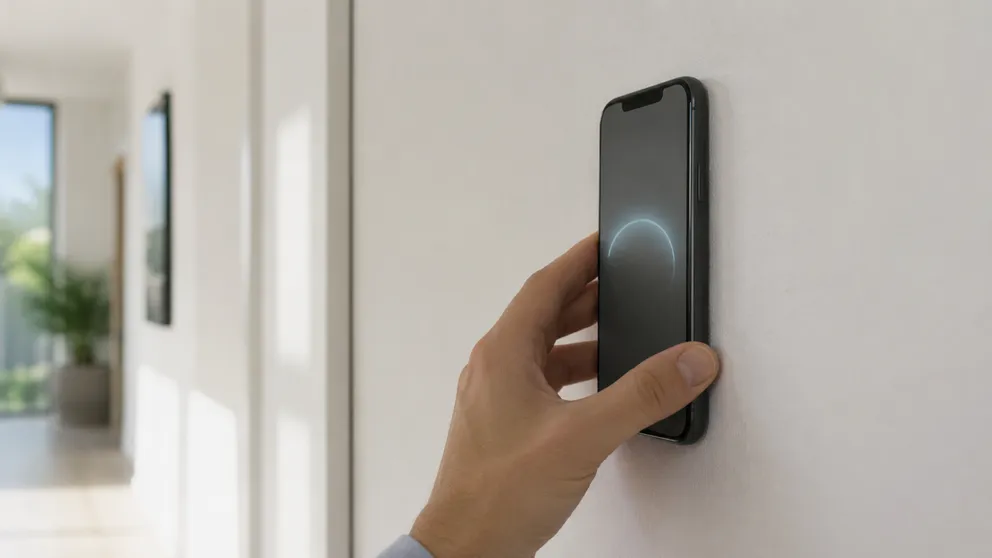
A stud finder phone app uses your phone's magnetometer to find the screws holding drywall to studs. Which phones work, iPhone vs Android, scanning tips.
Stud Finder turns your phone into a precision wall scanner. Know where the studs, screws and pipes are before you drill.
Download the App