
Stud Finder for Plaster Walls: What Works and What Doesn't
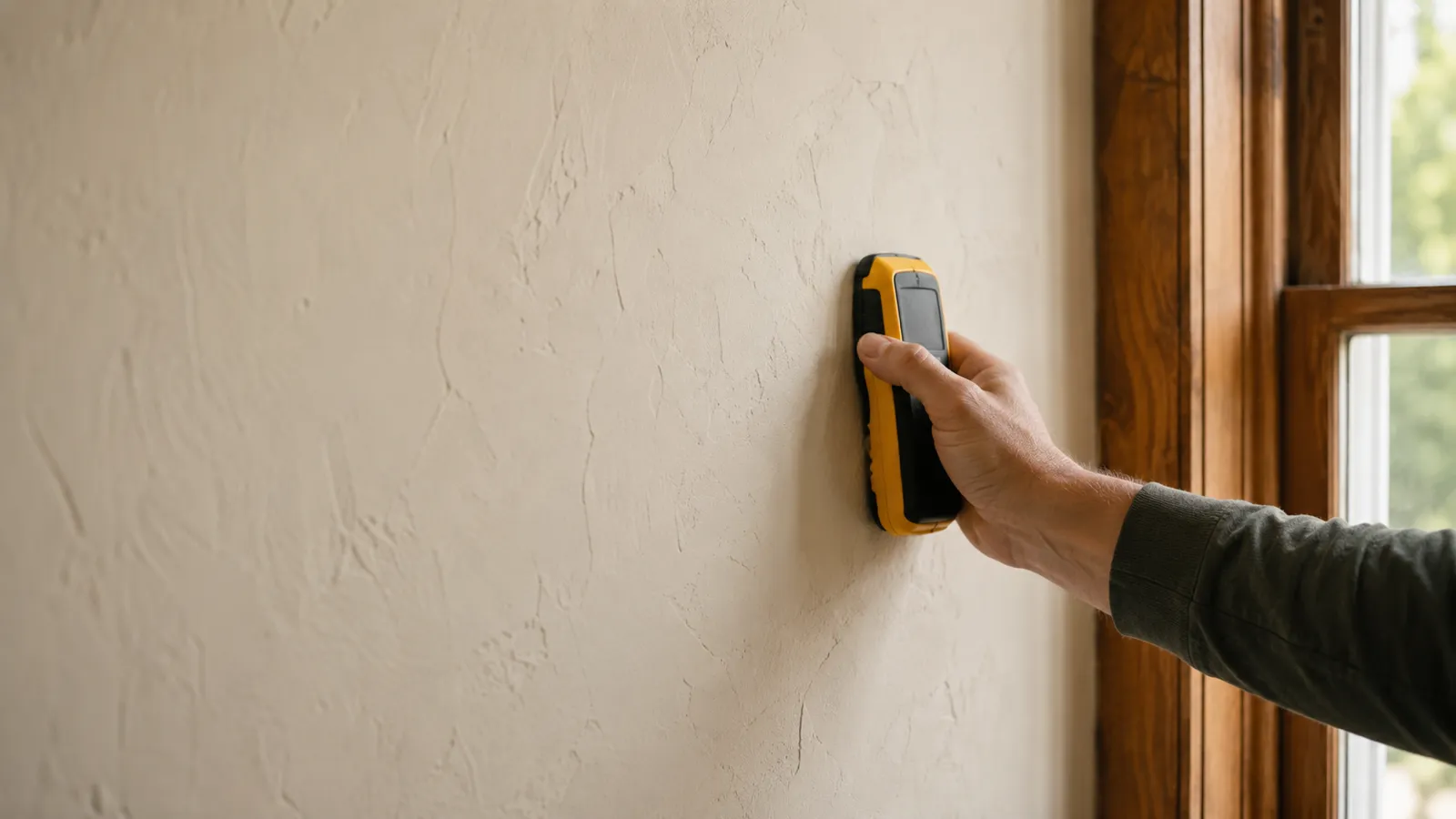
Why plaster walls are hard for stud finders
Plaster walls hide their studs behind two layers of trouble. First, the plaster itself is thick and uneven — often 3/4 inch or more, troweled by hand — so a density-reading electronic finder can’t tell the difference between a dense patch of plaster and the stud behind it. Second, that plaster is keyed onto lath: thin wood strips (or wire mesh) nailed across the studs with hundreds of small nails. Those nails are ferrous, so a magnetic finder or a phone stud finder app lights up everywhere and pinpoints nothing.
In other words, the two signals stud finders rely on — density and magnetism — are both corrupted on plaster. It’s not your technique. It’s a fundamentally harder wall.
What actually works on plaster
The reliable approaches, roughly in order of how much you’ll spend:
- Find a fastened reference point. Window and door casings, baseboards, and crown molding are nailed into studs. Locate one, and you have a known stud to measure from in 16-inch steps.
- Probe with a thin wire. Drill a small hole in an inconspicuous spot (behind furniture, near the baseboard) and push a bent wire sideways until it hits the stud. Crude, but definitive.
- Use a deep-scan electronic finder. Models with a plaster or deep-scan mode read through the extra thickness better than standard finders. Expect to scan slowly and confirm.
- Rent or buy a radar imager. Radar tools see past the lath and can map studs, pipes, and wires — the most capable option for a house full of plaster.
Where a phone app stands on plaster
An app is honest about plaster: it’s a rough guide, not a verdict. The magnetometer will read the lath nails, and on some walls you can see them arranged in regular rows — which at least confirms you’re looking at lath-and-plaster and hints at the framing direction. But picking a single stud out of that nail field is unreliable. On plaster, use the app to get oriented, then switch to a probe or a reference point to actually place your hole. On standard drywall the same app is far more precise, as we cover in the wall stud finder app guide.
The method that always works
When the electronics give up, geometry and a small hole never do:
- Find one stud for certain — off a casing, an outlet box, or a probe.
- Measure in 16-inch steps from that known stud. Older homes vary, so also try 12 and 24 inches if 16 doesn’t land.
- Confirm each mark with a 1/16″ pilot in a spot that’s easy to patch. Wood resistance means stud; empty means re-measure.
It’s slower than a one-pass scan, but on plaster it’s the difference between a solid anchor and a fist-sized repair.
When your stud finder isn’t finding studs
If a finder reads nothing usable on plaster, run through this before blaming the tool:
- It’s the wall type. Fastener-based tools and cheap density finders simply can’t resolve plaster. Switch methods, not settings.
- Recalibrate over a blank section. Starting over a lath nail or a stud poisons the baseline.
- Slow down. Plaster’s thickness needs an even slower sweep — well under an inch per second.
- Fall back to a reference point. When in doubt, measure from a casing and probe to confirm.
The bottom line
A stud finder for plaster walls is less about the gadget and more about the method. Standard magnetic, app, and budget electronic finders lose to plaster’s thickness and its sea of lath nails. Reach for a deep-scan or radar tool if you’ll do this often — but for a one-off, finding a fastened casing and confirming with a probe or a tiny pilot hole beats every electronic finder on the shelf.
On standard drywall, the easy walls, try the stud finder app — free to try, ad-free, no signup to start.
Frequently asked questions
How to Find Ceiling Joists: 5 Ways That Actually Work
Find ceiling joists with a phone app, a magnet, or a tape measure. Joists run 16 or 24 inches on center — and a ceiling joist finder is already in your pocket.
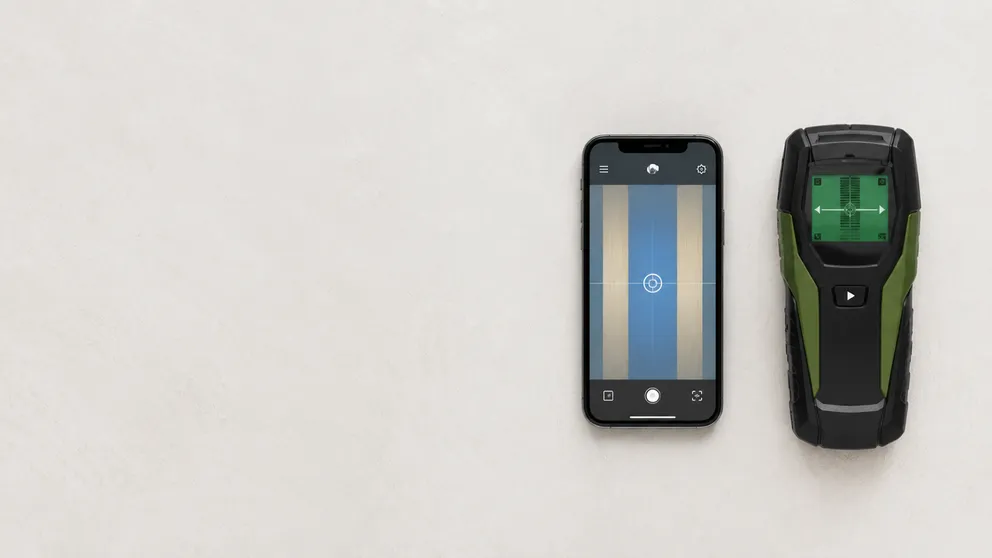
Stud Finder App vs Walabot: Which Do You Actually Need?
Stud finder app vs Walabot — one is free and lives on your phone, the other is a paid imaging device that sees pipes and wires. An honest comparison of what each finds, and which fits your job.
See behind the wall,
now in your pocket.
Stud Finder turns your phone into a precision wall scanner. Know where the studs, screws and pipes are before you drill.
Download the App