
Stud Finder Phone App: Turn Your Phone Into a Stud Detector
What a stud finder phone app actually does
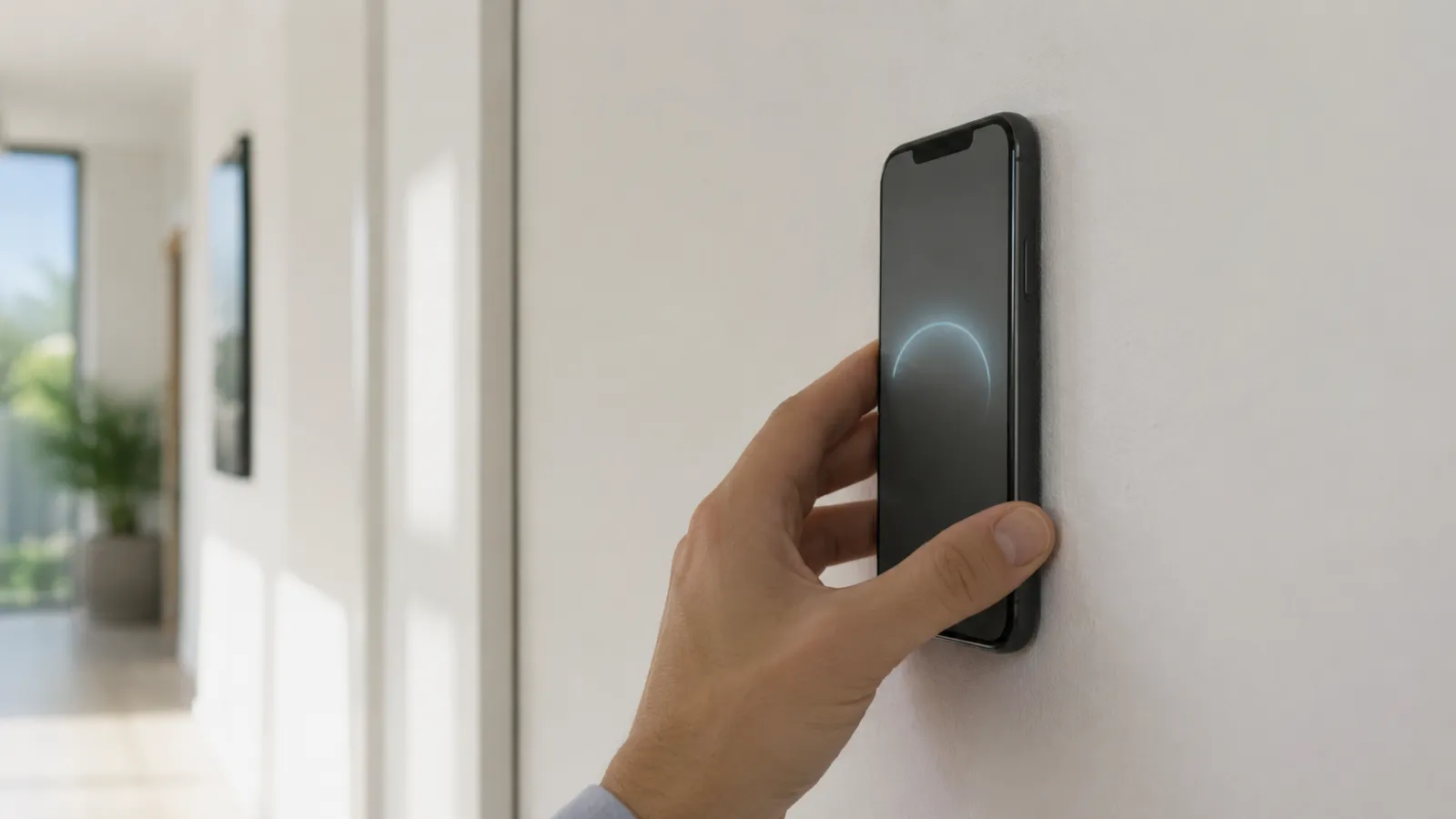
A stud finder phone app reads your phone’s magnetometer and flags the magnetic spikes that screws and nails create inside a wall. It is not detecting wood, density, or the stud itself — it’s detecting the metal fasteners driven into the stud every 12–16 inches along its length. Find the fasteners and the stud is sitting right behind them.
That’s the honest version of how every credible stud finder phone app works. The phone has no sensor that sees wood through drywall. What it has is a chip sensitive enough to read the tiny magnetic field of a drywall screw against Earth’s 25–65 μT ambient field — and that’s all it needs on a standard wall.
Which phones can run a stud finder app
The one requirement is a magnetometer. The quick test: if your phone’s compass app points north, you have the sensor and a stud finder app will work.
- iPhone: every model since the iPhone 3GS (2009) ships with a magnetometer. Any iPhone in active use today qualifies.
- Android: most mid-range and flagship phones have one, but some budget and entry-level models skip it to save cost — the stud finder app for Android page lists what to check. If the compass app is missing or won’t function, that’s the tell.
- Tablets: many iPads and Android tablets have the sensor too, though their size makes them awkward to sweep across a wall.
If the compass works, you’re set. No new hardware, no dongle, no subscription to find out.
iPhone vs Android phones for stud finding
Both platforms read the same kind of sensor, but the experience isn’t identical:
| iPhone | Android | |
|---|---|---|
| Sensor presence | Every model since 2009 | Most, but not all budget models |
| Hardware consistency | One vendor, tightly calibrated | Hundreds of models, quality varies |
| Calibration behavior | Predictable across devices | Can differ phone to phone |
| Best practice | Calibrate once, scan | Calibrate before every scan |
The short version: iPhone’s single-vendor hardware makes readings more uniform out of the box, while Android’s range means a flagship can match the iPhone and a cheap handset may struggle. On either platform, the fix is the same — calibrate, then sweep slowly. For a deeper split, see our iPhone vs Android stud finder apps breakdown.
Getting the best reading from your phone
A phone app rewards a steady hand. Five habits that turn a noisy scan into a confident one:
- Pull off magnetic accessories. MagSafe cases, magnetic wallets, and pop-sockets with magnets will drown the signal. A plain case is fine.
- Calibrate away from the wall. Hold the phone in open air for a one-second baseline before you start. This is what tells the app what “no fastener” looks like.
- Keep the phone flat and sweep slowly. Move at roughly an inch per second. Fast sweeps skip right over fasteners.
- Scan at two heights. A real stud lines its fasteners up vertically — the spike repeats on the same line. A one-off reading won’t.
- Verify before you drill. Tap the wall: a stud sounds dull, the cavity hollow. A 1/16″ pilot confirms it for good.
For the full walkthrough with screenshots of each step, read how to use a stud finder app.
What a phone app can’t do
A stud finder phone app is honest about its lane. It struggles where the magnetic signal breaks down:
- Plaster over wood lath — hundreds of small lath nails flood the reading.
- Metal stud framing — the whole wall reads magnetic, so there are no clean spikes.
- Concrete, brick, or tile — no fasteners to find, or too much distance and noise.
- Heavy structural mounts — for a swing-arm TV bracket on questionable framing, verify with a hardware finder too.
None of these are software failures. They’re walls that want a different sensor, and a good app points you toward one instead of guessing.
The bottom line
A stud finder phone app is the right first tool for the wall most people own, because the right tool is the one already in your pocket. On drywall over wood, it finds the fasteners that mark every stud, free to try and accurate to within an inch. Past that — plaster, metal, masonry — it tells you to switch tools, which is exactly what you want from something you didn’t have to buy.
Try the stud finder app — free to try, ad-free, no signup to start.
Frequently asked questions
How to Find Ceiling Joists: 5 Ways That Actually Work
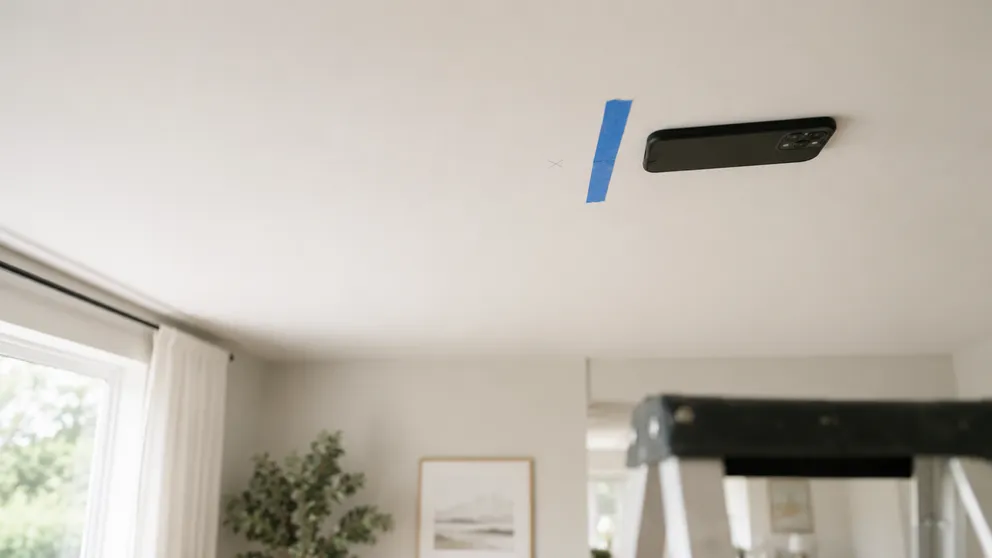
Find ceiling joists with a phone app, a magnet, or a tape measure. Joists run 16 or 24 inches on center — and a ceiling joist finder is already in your pocket.

Stud Finder App vs Walabot: Which Do You Actually Need?
Stud finder app vs Walabot — one is free and lives on your phone, the other is a paid imaging device that sees pipes and wires. An honest comparison of what each finds, and which fits your job.
See behind the wall,
now in your pocket.
Stud Finder turns your phone into a precision wall scanner. Know where the studs, screws and pipes are before you drill.
Download the App