
Wood Stud Finder App: Locate Wood Studs on iPhone & Android

A wood stud finder app finds the metal in the wood, not the wood itself
This is the single fact that explains everything else: your phone cannot detect wood. There’s no sensor in any iPhone or Android device that reads wood grain, density, or moisture through a wall. What a wood stud finder app actually reads is the magnetometer — the compass chip — and what the magnetometer picks up is the steel. Drywall is fastened to wood studs with screws and nails driven every 12–16 inches along the length of each stud. Those fasteners are ferrous. The app shows you a spike every time you pass one, measured in microteslas above Earth’s 25–65 μT ambient field.
So the workflow is indirect but reliable: find the column of fasteners, and the wood stud is sitting directly behind it. You’re not finding the wood — you’re finding the trail of metal that’s permanently bolted into it. For the full sensor explanation, see how an iPhone stud finder works.
Wood studs vs metal studs — why it changes which tool wins
Knowing whether your wall is framed in wood or steel changes how every stud finder behaves, so it’s worth settling first:
- Wood framing (most US/Canada homes, especially pre-2000): studs are dimensional lumber — a nominal 2×4 is actually 1.5″ × 3.5″ — fastened with discrete steel nails and screws. The magnetometer sees spikes at each fastener with quiet wall in between. Clean, readable signal.
- Metal framing (commercial buildings, some condos and newer apartments): studs are thin galvanized steel channels. The whole stud is magnetic from edge to edge, so a magnetometer app reads a continuous smear instead of crisp spikes.
The quick test: tap a magnet along the wall. On wood framing it grabs at discrete points — the fasteners. On steel framing it pulls toward the entire stud. A wood stud finder app is built for the first case, and that’s the case most homeowners are standing in front of.
Why a phone app is actually well-suited to wood framing
It sounds backwards that an app which can’t sense wood is the right tool for wood studs — but the physics work in your favor. Wood is non-magnetic, so it adds zero noise to the reading. The only magnetic things in a standard wood-framed wall are the fasteners you’re trying to find. That gives the cleanest possible signal-to-noise ratio:
- No competing signal. Unlike steel framing, plaster lath nails, or embedded ductwork, plain wood studs leave the magnetic field flat except where the screws are.
- Fasteners track the stud exactly. Screws are driven into the center of the stud face, so the magnetic peak sits right over the stud’s centerline — not off to one edge.
- The pattern repeats. Wood studs get fastened top to bottom, so you can confirm a hit by scanning at a second height and watching the spike reappear on the same vertical line.
This is why a magnetometer app and a wood-framed wall are a good match. The same app struggles on plaster and steel precisely because those walls add magnetic noise that wood doesn’t.
Wood framing quirks that throw off a reading
Wood framing is forgiving, but it isn’t uniform. A few situations make the fastener trail harder to read:
| Situation | What happens | What to do |
|---|---|---|
| Doubled studs at corners & openings | Two studs side by side widen the “hit” zone | Find both edges; drill toward the center of the pair |
| Headers & cripples over doors/windows | Horizontal and short vertical members break the 16″ rhythm | Scan locally, don’t assume spacing near openings |
| Engineered lumber (LVL, I-joists) | Still fastened with steel, but spacing differs | Trust the fasteners, not the tape measure |
| Old square-cut or finish nails | Smaller ferrous mass, weaker spike | Move slowly; scan at multiple heights to confirm |
| Deeply set fasteners or thick drywall | Greater distance weakens the signal | Hold the phone flat and steady; re-baseline calibration |
| Glue-and-screw construction | Fewer screws than a nailed wall | Widen your sweep to catch the sparser fasteners |
None of these are app failures — they’re the wall being a wall. The fix is almost always to slow down and scan at more than one height.
How to confirm you’re on a wood stud
A wood stud finder app gives you a confident hypothesis. On wood framing you can verify it cheaply, and you should before anything heavy goes up:
- Scan at chest height and mark every magnetic spike with light pencil.
- Scan again 12 inches higher. A real wood stud lines its fasteners up vertically — the spike repeats on the same line. A one-off reading (a stray screw, a picture hanger) won’t.
- Tap test between marks. Over a wood stud the wall sounds dull and solid; the cavity beside it sounds hollow. Wood gives a noticeably deader thud than empty bay.
- Drill a 1/16″ pilot at the mark. Pull the bit and check the shavings — wood shavings mean you’re on the stud. Powder or no resistance means you found cavity; re-scan.
The shaving check is the wood-framing tell. A 1/16″ pilot is barely visible, patches in seconds, and turns “probably a stud” into “definitely wood.” If you want the no-app fallbacks too, we cover seven ways to find studs without a stud finder.
When a capacitive hardware finder makes more sense
If you genuinely need to read wood and not the fasteners — say the studs are fastened sparsely, or you’re chasing a beam with no surface screws — a capacitive hardware finder is the right tool. It measures the change in density between the hollow cavity and the solid wood behind the drywall, so it detects the stud itself rather than its metal. That’s the one job a phone app can’t do, and it’s worth owning a $20 hardware finder for the handful of walls where it matters. On a problem wall, the safest move is to run both and only drill where the app’s fasteners and the capacitive finder’s density reading agree.
The bottom line
A wood stud finder app is the right tool for the wall most people own, even though it never touches the wood. It finds the steel trail every wood stud carries, on the cleanest signal a magnetometer gets — no metal-frame smear, no plaster-lath flood. Within its lane, drywall over wood, it’s accurate to within an inch and free to try. Outside it, it tells you to grab a capacitive finder, which is exactly what an honest tool should do.
Try the stud finder app — free to try, ad-free, no signup to start.
Frequently asked questions
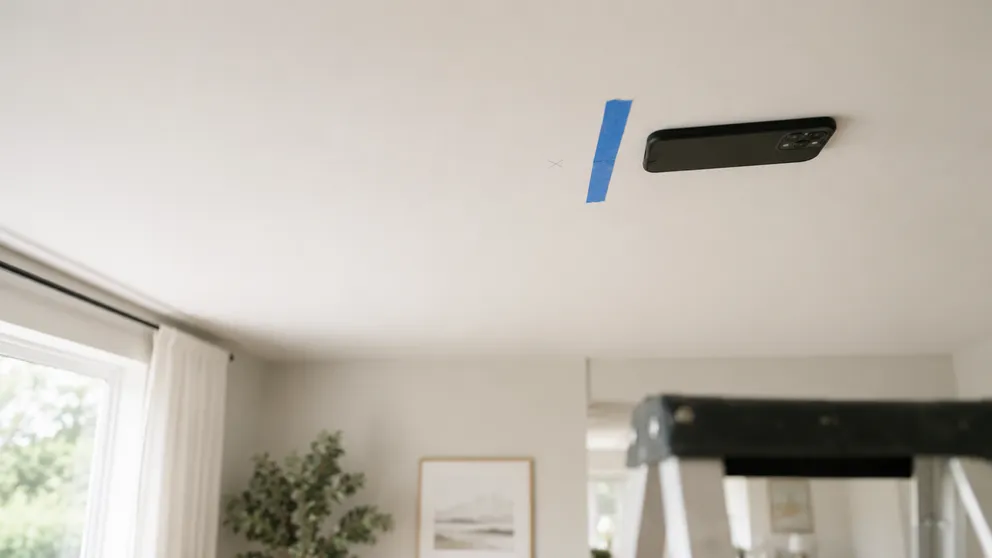
How to Find Ceiling Joists: 5 Ways That Actually Work
Find ceiling joists with a phone app, a magnet, or a tape measure. Joists run 16 or 24 inches on center — and a ceiling joist finder is already in your pocket.
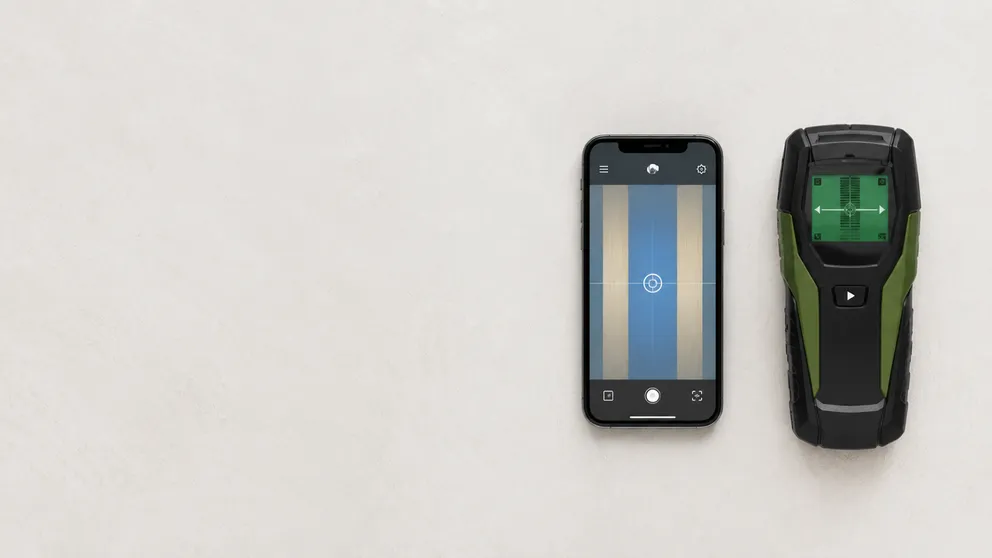
Stud Finder App vs Walabot: Which Do You Actually Need?
Stud finder app vs Walabot — one is free and lives on your phone, the other is a paid imaging device that sees pipes and wires. An honest comparison of what each finds, and which fits your job.
See behind the wall,
now in your pocket.
Stud Finder turns your phone into a precision wall scanner. Know where the studs, screws and pipes are before you drill.
Download the App