
Stud Finder Phone App: Turn Your Phone Into a Stud Detector
A stud finder phone app uses your phone's magnetometer to find the screws holding drywall to studs. Which phones work, iPhone vs Android, scanning tips.
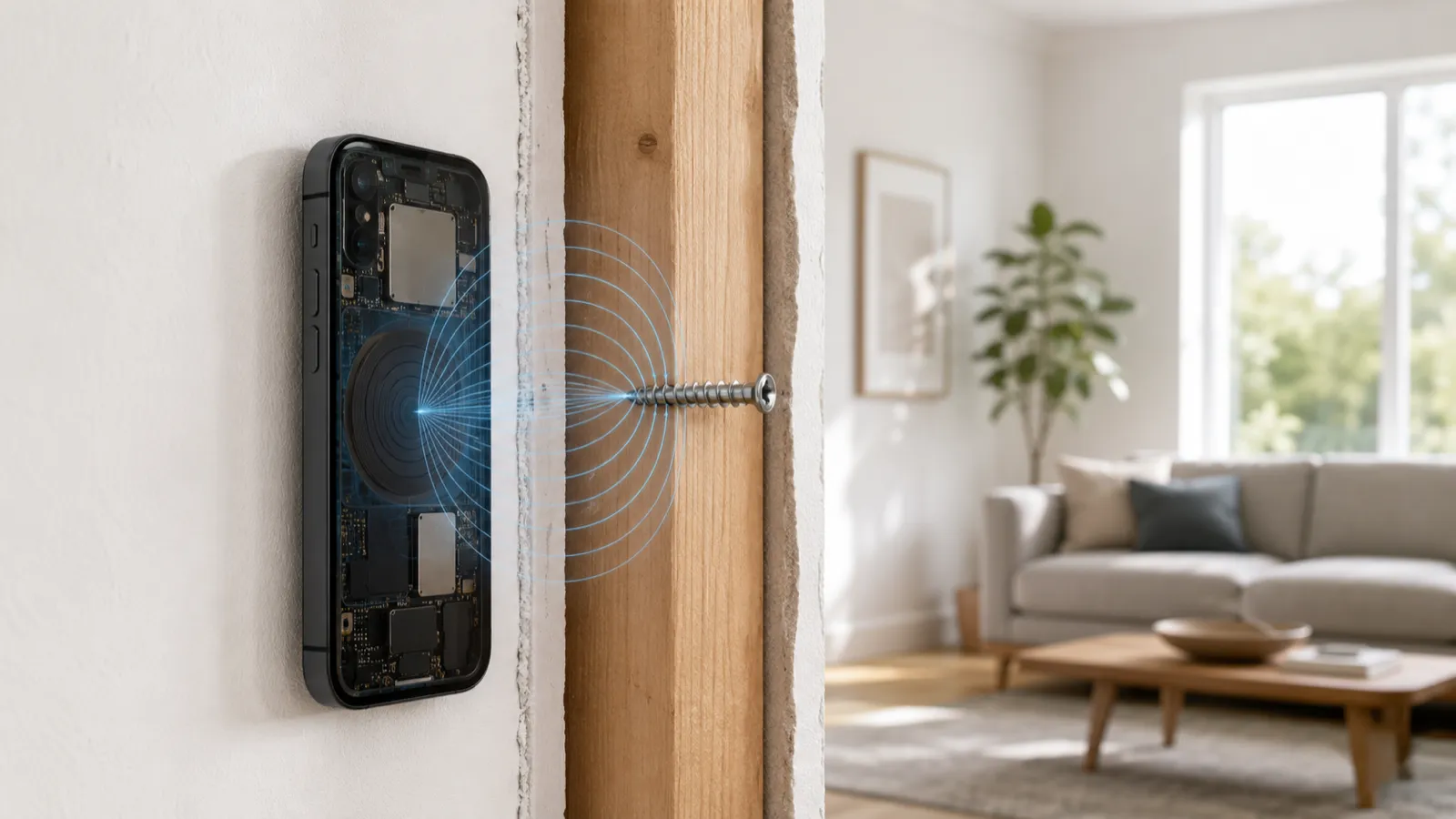
The iPhone stud finder reads the magnetometer’s measurement of the local magnetic field, and a metal fastener in the wall creates a measurable spike in that field that the app plots for you. That’s the whole mechanism. Everything below is just detail on the sensor, the signal, and why it sometimes fails.
There’s no radar, no X-ray, no hidden camera. It’s one sensor reading one physical quantity — magnetic field strength — and an app drawing a line.
Every iPhone since the iPhone 5 ships with a magnetometer, sometimes called the compass sensor or e-compass. It’s a tiny solid-state chip that measures magnetic field strength along three axes — X, Y, and Z — and reports the result in microteslas (µT).
Apple put it there for navigation. The Compass app, Maps orientation, and AR features all depend on knowing which way the phone is pointing relative to Earth’s magnetic field. Stud detection is an unintended bonus: the same chip that finds magnetic north can find a steel screw two inches away.
The key number: Earth’s background magnetic field sits at roughly 25–65 µT, depending on your latitude. That’s the baseline the sensor reads when no metal is nearby. A ferrous object close to the phone pushes that reading up or down by a few µT — and that deviation is the entire signal.
Here’s the physics in one paragraph. Ferrous metals — iron, steel, the zinc-coated steel of a drywall screw — concentrate and distort magnetic field lines around them. When you bring the magnetometer close to a screw, the field the chip measures is no longer just Earth’s clean baseline; it’s Earth’s field plus the local distortion from the screw. Sweep past the fastener and the reading climbs, peaks directly over the metal, then falls back to baseline. That rise-peak-fall is the spike a stud finder app is built to surface.
A wood stud, by itself, produces no spike at all. Wood is not ferromagnetic. So strictly speaking, the iPhone never detects a wood stud — it detects the fasteners holding drywall to the stud. Because builders drive those screws and nails straight down the centerline of each stud, finding a fastener locates the stud underneath it.
This is where a dedicated app pulls ahead of Apple’s built-in Compass, even though both use the exact same chip.
The Compass app is tuned for navigation. It heavily smooths and stabilizes its heading reading so the needle doesn’t twitch while you’re walking. That smoothing is great for finding north — and terrible for finding studs, because it suppresses exactly the fast, small field changes a fastener produces.
A stud finder app instead reads the raw magnetometer value through Apple’s Core Motion framework, specifically the magnetic field value reported by the device motion API. That gives the app the unfiltered number — before the navigation smoothing — sampled at roughly 100 Hz. The app then applies its own light filtering, calibrates against the local baseline, and renders the result as a signal bar or a numeric readout that rises over metal.
Same sensor. Same physics. The only difference is that one app is designed to expose the spike and the other is designed to hide it. If you want the full product-level walkthrough of how the app turns that into a usable tool, see how it works.
When you watch a stud finder app during a sweep, you’re looking at one of two renderings of the same microtesla reading:
| What you see | What it represents | What to do with it |
|---|---|---|
| A rising/falling signal bar | Live deviation from your calibrated baseline | Mark the wall at the peak of the rise |
| A numeric µT readout | Current absolute field strength | Watch for the highest number, then back off |
| A directional arrow | Which way the field is increasing | Move toward the rising side until it peaks |
In all three cases the underlying event is identical: the field went up because metal got closer. The peak is the fastener. The fastener is the stud.
Because the signal is a deviation from baseline, the app has to know your baseline first. That’s what calibration does — and in Stud Finder it happens on its own. When a scan starts, the app waits for about a second of stillness with a normal, Earth-like reading, removes the phone’s own magnetic bias using the calibrated field Core Motion provides, and treats what’s left as “zero metal.” From then on it keeps updating that baseline from the last few seconds of readings. There’s no button to press.
What you control is where that first second happens. Start next to a steel door frame or a magnet and the baseline starts out contaminated, so you lose the contrast that makes a fastener stand out until the app re-learns it. Start in open air or over a blank patch of wall, away from big metal, and the first sweep is clean. Garbage baseline, garbage spike.
Understanding the mechanism makes the failure modes obvious. The magnetometer only sees magnetic distortion, so anything that floods, masks, or removes that distortion breaks detection:
None of these are app defects. They’re consequences of using a magnetometer — a metal-sensing instrument — on a wall where the metal is absent, everywhere, or shielded. For the full accuracy picture across wall types, see do stud finder apps work — and how accurate are they.
Metal-framed walls are a different case, not a failure. A steel stud is ferrous along its whole length, so instead of a spike at each screw the app reads a broad band across the stud — easy to detect, harder to center. Mark both edges and use the middle; the metal stud finder app guide covers the rest, including why steel studs need different anchors.
This is the single most useful thing to understand about how the iPhone stud finder works, because it explains why an app and a $40 hardware finder give different results on the same wall.
Neither is “more accurate” in the abstract — they measure different things. The magnetometer wins on no-hardware convenience and on walls where fasteners are plentiful. The capacitive finder wins when you need stud edges or there’s no fastener in your sweep area.
The iPhone stud finder is not a gimmick and not magic. It’s a real magnetometer reading a real magnetic field, surfacing the real distortion that real metal fasteners create. The app’s job is narrow and honest: read the raw sensor, calibrate the baseline, and draw the spike clearly enough that you can mark it.
Once you know it’s detecting fasteners rather than the stud itself, everything about the tool makes sense — what it nails, where it struggles, and why. New to the idea? Start with is there a stud finder app. To put the theory to work, see how to find a stud with your iPhone and how to use a stud finder app.
An iPhone stud finder app reads the phone's built-in magnetometer — a three-axis chip that measures magnetic field strength in microteslas. When you sweep the phone over a metal drywall screw or nail, the fastener distorts the local magnetic field and the reading spikes. That spike marks the fastener, which sits on the centerline of a stud.
The magnetometer, also called the compass sensor. It's the same chip the iPhone uses for the Compass app and Maps orientation. Stud finder apps read it through Apple's Core Motion framework, which gives the raw field value before any navigation smoothing is applied.
The metal. Wood isn't magnetic, so a magnetometer can't see a bare stud. What it detects is the ferrous nails and screws holding drywall to the stud. Because those fasteners run down the centerline of the stud, finding them locates the stud.
Hardware stud finders are usually capacitive — they sense density changes through the wall and can map the full width of a stud. The iPhone's magnetometer only senses metal, so on wood framing it spikes at individual fasteners rather than outlining the whole stud. Different sensor, different signal.
No. Every iPhone since the iPhone 5 has the same class of three-axis magnetometer, and the detection physics is identical across models. Newer iPhones have slightly better calibration and faster processing, which makes the signal smoother, but the underlying method doesn't change.
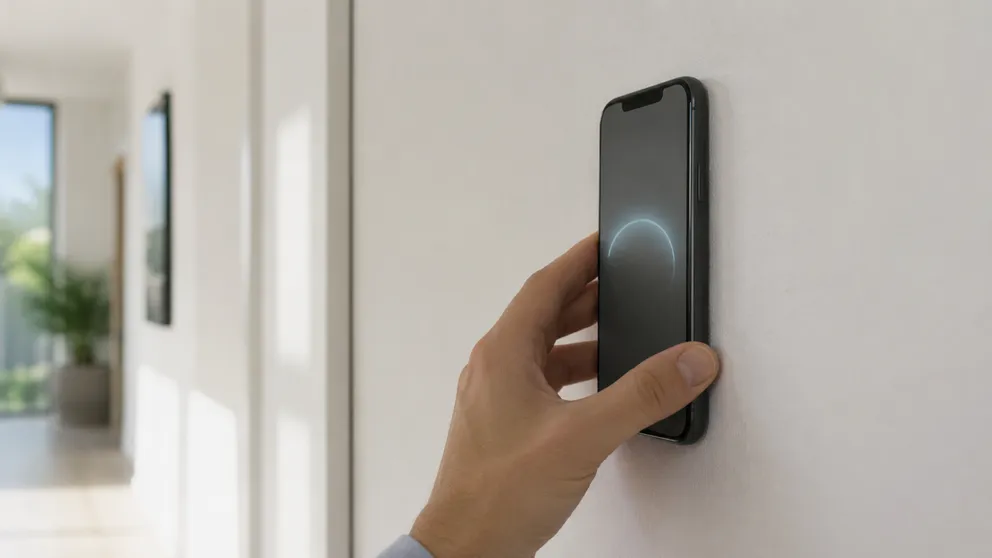
A stud finder phone app uses your phone's magnetometer to find the screws holding drywall to studs. Which phones work, iPhone vs Android, scanning tips.
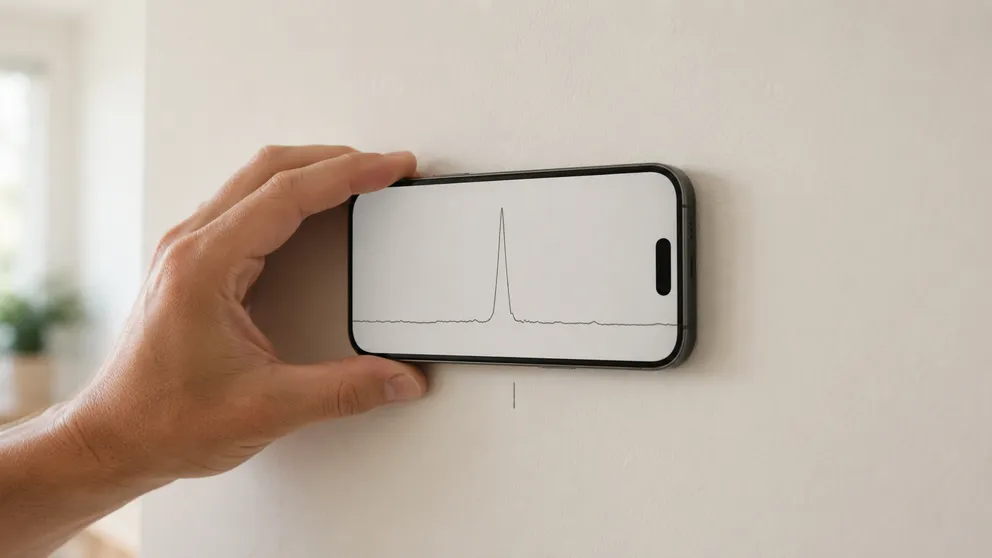
Yes — stud finder apps work on standard drywall and locate studs to about an inch. How accurate they really are, where they fail, and how to verify first.
Stud Finder turns your phone into a precision wall scanner. Know where the studs, screws and pipes are before you drill.
Download the App