
How to Find Studs Without a Stud Finder: 7 Ways That Work
Seven real ways to find a wall stud without a stud finder — knock test, outlets, magnets and the sensor already in your phone. What works and what doesn't.

This is the single fact that explains everything else: your phone cannot detect wood. There’s no sensor in any iPhone or Android device that reads wood grain, density, or moisture through a wall. What a wood stud finder app actually reads is the magnetometer — the compass chip — and what the magnetometer picks up is the steel. Drywall is fastened to wood studs with screws and nails driven every 12–16 inches along the length of each stud. Those fasteners are ferrous. The app shows you a spike every time you pass one, measured in microteslas above Earth’s 25–65 μT ambient field.
So the workflow is indirect but reliable: find the column of fasteners, and the wood stud is sitting directly behind it. You’re not finding the wood — you’re finding the trail of metal that’s permanently bolted into it. For the full sensor explanation, see how an iPhone stud finder works.
Knowing whether your wall is framed in wood or steel changes how every stud finder behaves, so it’s worth settling first:
The quick test: tap a magnet along the wall. On wood framing it grabs at discrete points — the fasteners. On steel framing it pulls toward the entire stud. The app reads both; this guide covers the first case, the one most homeowners are standing in front of. For steel framing, see the metal stud finder app guide.
It sounds backwards that an app which can’t sense wood is the right tool for wood studs — but the physics work in your favor. Wood is non-magnetic, so it adds zero noise to the reading. The only magnetic things in a standard wood-framed wall are the fasteners you’re trying to find. That gives the cleanest possible signal-to-noise ratio:
This is why a magnetometer app and a wood-framed wall are a good match. The same app struggles on plaster precisely because the lath nails add magnetic noise that wood doesn’t; on steel framing it reads the stud itself, as a broader band.
Wood framing is forgiving, but it isn’t uniform. A few situations make the fastener trail harder to read:
| Situation | What happens | What to do |
|---|---|---|
| Doubled studs at corners & openings | Two studs side by side widen the “hit” zone | Find both edges; drill toward the center of the pair |
| Headers & cripples over doors/windows | Horizontal and short vertical members break the 16″ rhythm | Scan locally, don’t assume spacing near openings |
| Engineered lumber (LVL, I-joists) | Still fastened with steel, but spacing differs | Trust the fasteners, not the tape measure |
| Old square-cut or finish nails | Smaller ferrous mass, weaker spike | Move slowly; scan at multiple heights to confirm |
| Deeply set fasteners or thick drywall | Greater distance weakens the signal | Hold the phone flat and steady; raise the sensitivity a notch |
| Glue-and-screw construction | Fewer screws than a nailed wall | Widen your sweep to catch the sparser fasteners |
None of these are app failures — they’re the wall being a wall. The fix is almost always to slow down and scan at more than one height.
A wood stud finder app gives you a confident hypothesis. On wood framing you can verify it cheaply, and you should before anything heavy goes up:
The shaving check is the wood-framing tell. A 1/16″ pilot is barely visible, patches in seconds, and turns “probably a stud” into “definitely wood.” If you want the no-app fallbacks too, we cover seven ways to find studs without a stud finder.
If you genuinely need to read wood and not the fasteners — say the studs are fastened sparsely, or you’re chasing a beam with no surface screws — a capacitive hardware finder is the right tool. It measures the change in density between the hollow cavity and the solid wood behind the drywall, so it detects the stud itself rather than its metal. That’s the one job a phone app can’t do, and it’s worth owning a $20 hardware finder for the handful of walls where it matters. On a problem wall, the safest move is to run both and only drill where the app’s fasteners and the capacitive finder’s density reading agree.
A wood stud finder app is the right tool for the wall most people own, even though it never touches the wood. It finds the steel trail every wood stud carries, as crisp spikes with quiet wall in between — no plaster-lath flood. Within its lane, drywall over wood, it’s accurate to within about an inch and free to try. Outside it, it tells you to grab a capacitive finder, which is exactly what an honest tool should do.
Try the stud finder app — free to try, ad-free, no signup to start.
Yes. On iPhone and Android, a magnetometer-based app finds wood studs by detecting the steel nails and screws fastened into them. The fasteners run the length of the stud, so finding them is the same as finding the wood behind the drywall.
No — phones have no sensor that 'sees' wood. A wood stud finder app detects the ferrous fasteners holding drywall to the wood stud, not the wood grain. Capacitive hardware finders are the ones that read wood density directly.
It works very well on wood framing, because wood studs are fastened with steel nails and drywall screws that the magnetometer locks onto cleanly. Wood framing gives crisp spikes at each fastener; a steel stud reads magnetic from edge to edge, as a broader band that's easy to find but harder to center.
On standard 1/2-inch drywall over wood studs on 16-inch centers, accurate to within about an inch — enough for shelves, curtain rods, cabinets, and most TV mounts. Verify with a tap test and a small pilot hole before driving anything heavy.
Fasteners sit every 12–16 inches along a stud, so scanning at one height can land you in a gap. Sweep at two or three heights — a real wood stud lines its fasteners up vertically, and that repeating column is how you confirm it.
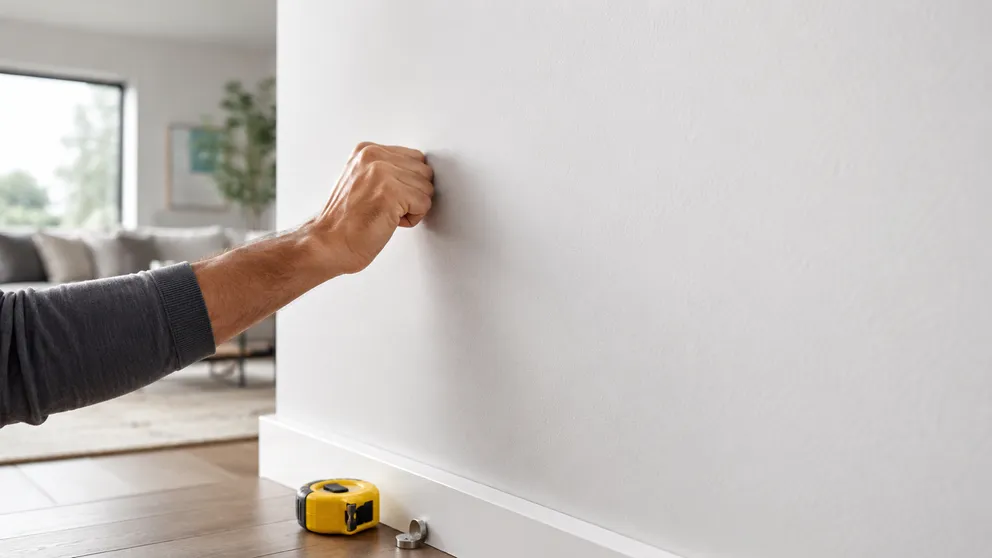
Seven real ways to find a wall stud without a stud finder — knock test, outlets, magnets and the sensor already in your phone. What works and what doesn't.

Looking for an online stud finder with no download? Why a web page can't read your phone's sensor, what those sites do, and the fastest free options.
Stud Finder turns your phone into a precision wall scanner. Know where the studs, screws and pipes are before you drill.
Download the App