
Magnetic Stud Finder: How It Works, How to Use It, and Its Limits
A magnetic stud finder is a strong magnet that grabs the screws in your wall studs. How to use it, when it beats electronic finders, and when it fails.
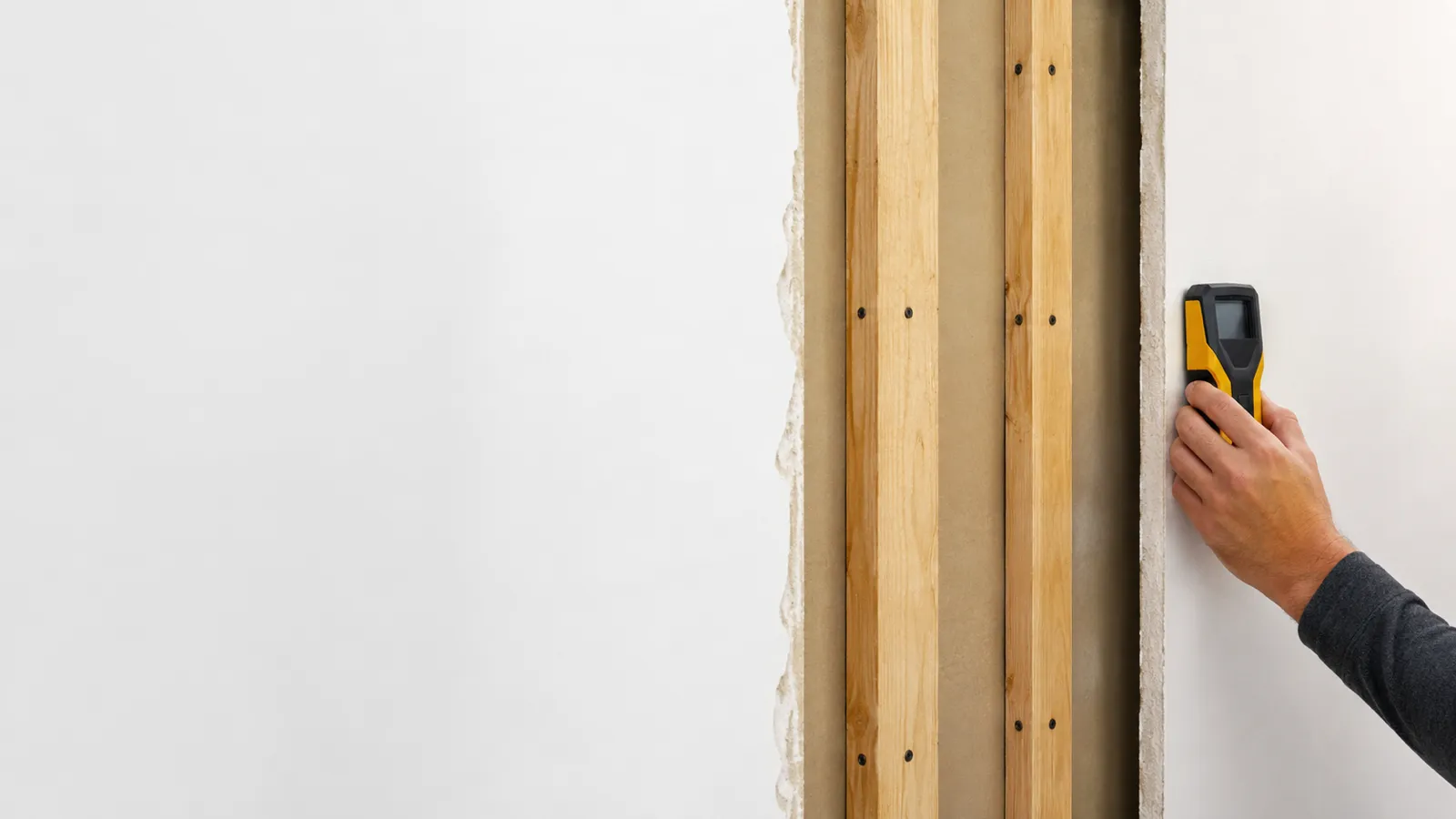
A stud finder works by detecting one of two things behind the wall surface: the metal fasteners driven into a stud, or the stud itself by its density or reflectivity. No consumer tool sees a clean picture of the framing — each reads one indirect signal and infers where the wood is. That’s why two finders can point at the same stud while measuring completely different physics.
There are four methods in common use. Here’s what each one actually senses — and, at the end, which one is worth your money for the wall you’re standing in front of.
Skip to the answer if you only need the wall opened today:
You can settle the first case in about a minute on the app’s free trial: sweep the stud finder app along a wall where you can see an outlet or a light switch — the box is nailed to the side of a stud, so the spike should land right next to it. If it does, the sensor is reading your wall correctly.
A magnetic finder is the simplest tool there is: a magnet, free to move, with no battery. Drywall is screwed or nailed to each stud with steel fasteners every 12–16 inches, and those fasteners are ferrous. Drift the magnet across the wall and it tugs toward a screw when it passes one. The stud sits directly behind that screw. It detects the fastener, never the wood, which is why it needs nothing more than a magnet and a steady hand.
A capacitive finder reads density, not metal. Its sensor plate measures the dielectric constant of the wall — essentially how the material stores an electric charge. Over a hollow cavity that value is low and steady; slide over a solid wood stud and the denser material shifts the reading, which the tool flags as an edge. Cheaper models mark just the edges; multi-sensor models use a row of plates to light up the whole stud at once. This is the only common method that detects the wood directly.
Radar finders send a radio-frequency signal into the wall and read the reflections that bounce back. Different materials — wood, metal pipe, electrical wire, empty air — reflect differently, so the tool can map not just studs but pipes, conduit, and even movement behind the surface. It’s the most informative method and the priciest, and it reads the contents of the wall rather than a single property. This is the technology people loosely call “x-ray,” though nothing here actually sees through anything.
A phone app uses the magnetometer — the same chip that runs your compass — to read the magnetic field of the fasteners. The sensor is sensitive enough to pick a drywall screw out of Earth’s 25–65 μT ambient field, so when you sweep past a fastener the reading spikes and the app marks it. Like a magnetic finder, it detects the metal in the stud, but it shows you the signal on screen instead of relying on pull. For the device-level detail, see how an iPhone stud finder works.
| Method | Detects | Best wall | Struggles on |
|---|---|---|---|
| Magnetic | Fasteners (or a steel stud itself) | Drywall over wood or steel studs | Plaster (lath nails flood it) |
| Capacitive | Density | Drywall over wood | Plaster, thick or layered walls |
| Radar | Reflections | Most walls | Very dense or wet materials |
| Phone app | Fasteners or steel studs (magnetic) | Drywall over wood or steel studs | Plaster, masonry |
The pattern: fastener-based tools (magnetic and app) want clean drywall over wood — or steel studs, which they read directly, if less sharply — density and radar tools handle more variety, and every method loses confidence on plaster. To see how this plays out across real products, read our wall stud finder app guide.
A stud finder works by reading one indirect clue — magnetic pull, density, reflection, or magnetic field — and inferring where the framing is. Magnetic finders and phone apps chase the screws; capacitive and radar finders chase the wood. Knowing which signal your tool reads tells you exactly when to trust it and when the wall is about to fool it.
Curious how the magnetometer method feels in practice? Try the stud finder app — free to try, ad-free, no signup to start.
A stud finder works one of four ways: a magnetic finder pulls toward the metal fasteners in a stud, a capacitive finder senses the density change between hollow cavity and solid wood, a radar finder reflects signals off objects in the wall, and a phone app reads the magnetic field of the fasteners. Each detects a different signal to locate the same stud.
It depends on the type. Capacitive electronic and radar finders detect the wood itself by reading density or reflections. Magnetic finders and phone apps detect the steel screws and nails fastened into the wood, not the wood directly.
A capacitive finder has plates that measure the dielectric constant of the wall. Over a hollow cavity the reading is one value; over a denser stud it shifts. The tool flags that shift as a stud edge. It's reading density, not metal.
A phone app uses the magnetometer — the compass sensor — to detect the magnetic field of the steel fasteners holding drywall to each stud. When you sweep past a screw, the field spikes, and the app marks it. The fastener reveals the stud behind it.
On standard drywall, multi-sensor capacitive and radar finders are the most accurate because they read the whole stud. Magnetic finders and apps are accurate to about an inch by locating fasteners. On plaster, every type loses reliability. Steel studs are easy for magnetic finders and apps to pick up — the stud itself is metal — but they read as a broad band, so the center is less precise.

A magnetic stud finder is a strong magnet that grabs the screws in your wall studs. How to use it, when it beats electronic finders, and when it fails.

Do stud finder apps work on metal studs? Yes — steel studs are magnetic end to end. How to find and center one, and the mounting mistake to avoid.
Stud Finder turns your phone into a precision wall scanner. Know where the studs, screws and pipes are before you drill.
Download the App