
Stud Finder App Without Ads — Here's an Honest One
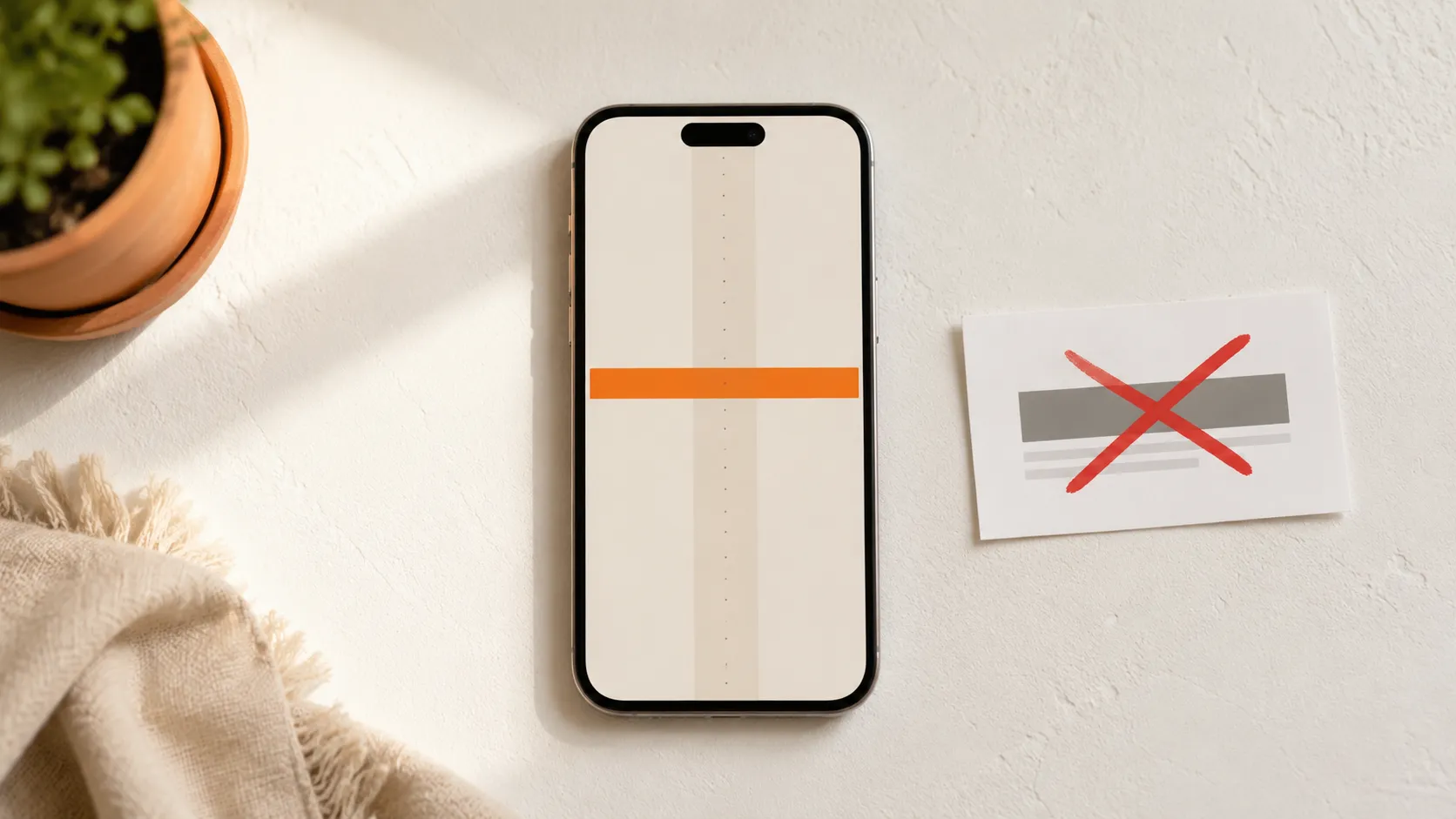
Why nearly every stud finder app has ads
Open the App Store or Google Play, search “stud finder,” and sort by free. Install the top three. Within the first scan you’ll see at least one of these:
- A full-screen interstitial ad before you can scan
- A banner pinned to the bottom of the detection view
- A “Pro” badge over the sensitivity slider, locked behind a subscription
- A login wall asking for your email “to save your scans”
- A permissions prompt for contacts, location, or motion data the app doesn’t need
None of that has anything to do with finding a stud. It’s there because building an app costs developer time, and the path of least resistance to recoup that time is one of four business models:
- Ad-supported — an SDK from AdMob, AppLovin, or Unity Ads. Pays per impression, pennies per install.
- Freemium with IAP — basic app free, “advanced” features locked.
- Subscription — a weekly or monthly plan, ideally with a clearly disclosed free trial up front.
- Data monetization — free, no ads visible, but the app ships an SDK that sells location, motion, or device data to brokers.
The honest models are the ones that don’t make you and your attention the product. An ad-supported scanner sells your focus during the one moment you need it; a data-harvesting one sells your behavior. A clearly disclosed subscription, by contrast, just charges for the app — which is how a stud finder can stay completely ad-free.
What “free” usually means in the stores
A quick taxonomy of how “free” gets used in stud finder listings:
| Listing says | What it actually means | How to tell |
|---|---|---|
| Free with “In-App Purchases” | Some features (or a trial) gated behind IAP | Listing shows an in-app purchase line under the price |
| Free with banner ads | Ad-supported, ads run during the scan | First-scan banner or interstitial |
| Free trial | Free window, then a subscription | Onboarding screen asks for purchase confirmation |
| Free, no ads | Either subscription-funded or data-monetized | Check the privacy nutrition label and tracking SDKs |
| Free download | Free to install, may gate on first use | “Unlock” prompt at first launch |
The “In-App Purchases” line under the price is the single most useful signal. If it’s there, something is gated — which is fine if it’s a clearly disclosed trial, and a problem if it ambushes you. Pair it with the privacy label and the recent reviews and you’ll know what you’re getting in thirty seconds.
How to spot a sketchy stud finder app in 30 seconds
Before you install anything, run this checklist on the listing:
- Read the bottom three 1-star reviews. Users who got burned by a surprise paywall or aggressive ads flag it within days. Search the reviews for “ad,” “scam,” “paywall,” “fake.”
- Check the “In-App Purchases” line. Right under the price. An honest app discloses its trial and price; a sketchy one hides them and springs a paywall after a fake scan.
- Look at the privacy nutrition label. Apple and Google both require apps to disclose data collection. A real stud finder needs none. If the label shows “Identifiers,” “Usage Data,” or “Location” linked to you, the app is monetizing telemetry.
- Check the last update date. Stud finder apps don’t need monthly updates, but one untouched for 2+ years may not be calibrated for newer phones.
- Scan the screenshots for ad placement. If the screenshots themselves show a banner, you’re not even getting a clean detection view.
Thirty seconds of due diligence saves the alternative: install, scan once, hit an ad wall, uninstall, repeat.
Stud Finder: ad-free, private, and honest about cost
Here’s what we do and don’t do, written plainly:
What Stud Finder does:
- Reads the phone’s magnetometer via Apple’s Core Motion framework (and the Android Sensor framework)
- Visualizes the signal on a clean, full-screen indicator
- Calibrates locally on launch
- Runs entirely on your device, offline
What Stud Finder does not do:
- No ads. No banner, no interstitial, no rewarded video — nothing competing with the scan view.
- No account to start. No login, no email capture to use it.
- No network calls. The app doesn’t talk to a server because it doesn’t need to.
- No analytics or tracking SDK. No AppLovin, no third-party telemetry — the scan stays on your device.
How it’s funded: a subscription, not ads. It’s free to download with a free trial; after the trial, a subscription keeps it unlocked. That’s the honest trade that lets it stay ad-free and private — we charge for the app instead of selling your attention or your data.
What you give up by going ad-free
Apps with heavy monetization advertise long feature lists — cloud sync, scan history, AI assistant, premium support. Here’s the honest take on each, for a stud finder:
- Cloud sync. You’re finding a stud in a wall. There’s nothing to sync. Next time you mount something, you sweep again — 30 seconds.
- Scan history. Same reason. A saved scan from last month doesn’t tell you where the stud is in this wall.
- AI assistant. Marketing language. The magnetometer is a magnetometer; AI doesn’t make a sensor more sensitive.
- Premium support. For a one-screen app that reads one sensor, what would you contact support about?
- Custom themes. A stud finder runs for 30 seconds. Skins are unused real estate.
The features you actually need — accurate detection, clear visualization, calibration, fast scan — don’t require ads or data harvesting to deliver.
When the app actually fails — and it’s not the price
Stud finder apps have real failure modes, and they’re identical whether the app is ad-supported, on a trial, or paid:
- Metal stud framing — the whole wall reads magnetic, no spike to lock onto. Use a capacitive hardware finder with a metal-stud mode.
- Plaster over lath — lath nails flood the signal. Use a probe.
- Masonry or concrete walls — no studs to find. Use masonry anchors.
- Tiled walls — tile + thinset add distance. Scan from the other side if possible.
These are physical limits of the sensor. No app — free, trial, or paid — fixes them. For the full breakdown of where apps work and where they don’t, read do stud finder apps work.
The trade you actually make
The real choice isn’t free-versus-paid — it’s whether the app makes money from you or from a price. An ad-supported scanner sells your attention in the exact moment you’re trying to mark a stud; a data-harvesting one sells where you live and how you move. An ad-free, subscription-funded app charges for the tool and leaves your scan — and your data — alone.
For a 30-second task you do a handful of times a year, “no ads, nothing tracked, real detection” is the trade worth making.
Try it
Ad-free on the App Store and Google Play, free to try. The stud finder app is one tap away.
For the technical side of how it works, see how the iPhone stud finder works. For the accuracy breakdown, read do stud finder apps work — and how accurate are they.
Frequently asked questions
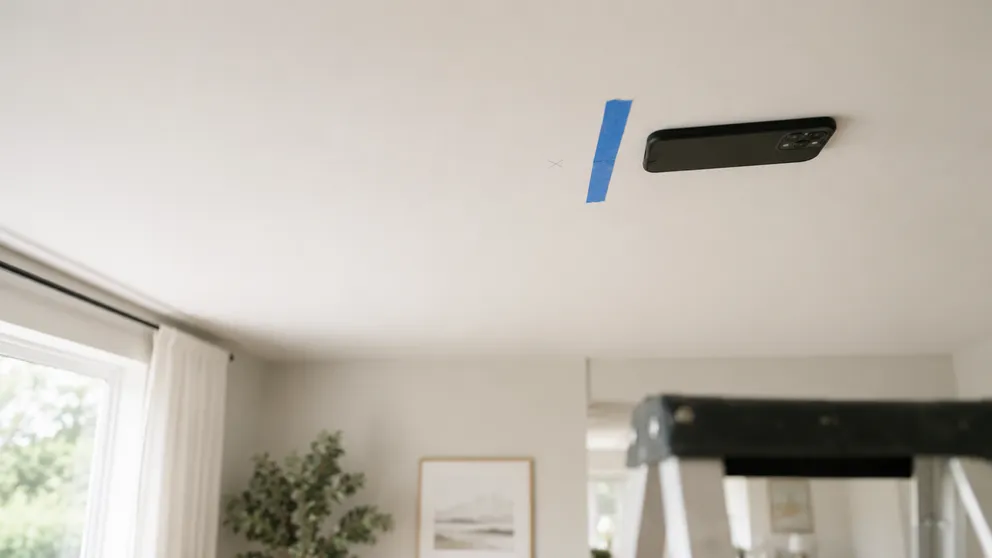
How to Find Ceiling Joists: 5 Ways That Actually Work
Find ceiling joists with a phone app, a magnet, or a tape measure. Joists run 16 or 24 inches on center — and a ceiling joist finder is already in your pocket.
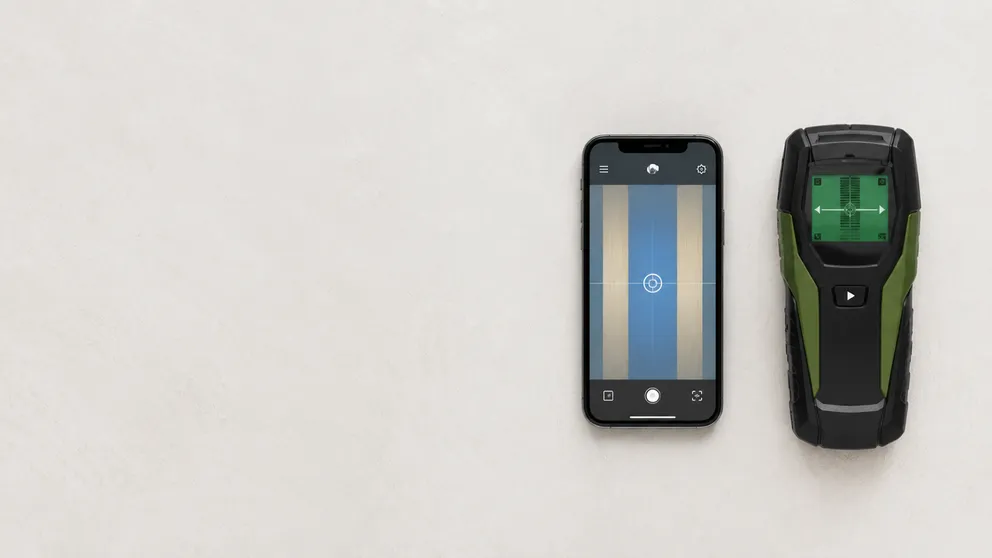
Stud Finder App vs Walabot: Which Do You Actually Need?
Stud finder app vs Walabot — one is free and lives on your phone, the other is a paid imaging device that sees pipes and wires. An honest comparison of what each finds, and which fits your job.
See behind the wall,
now in your pocket.
Stud Finder turns your phone into a precision wall scanner. Know where the studs, screws and pipes are before you drill.
Download the App