
Online Stud Finder: Is There One That Works in a Browser?
Looking for an online stud finder with no download? Why a web page can't read your phone's sensor, what those sites do, and the fastest free options.
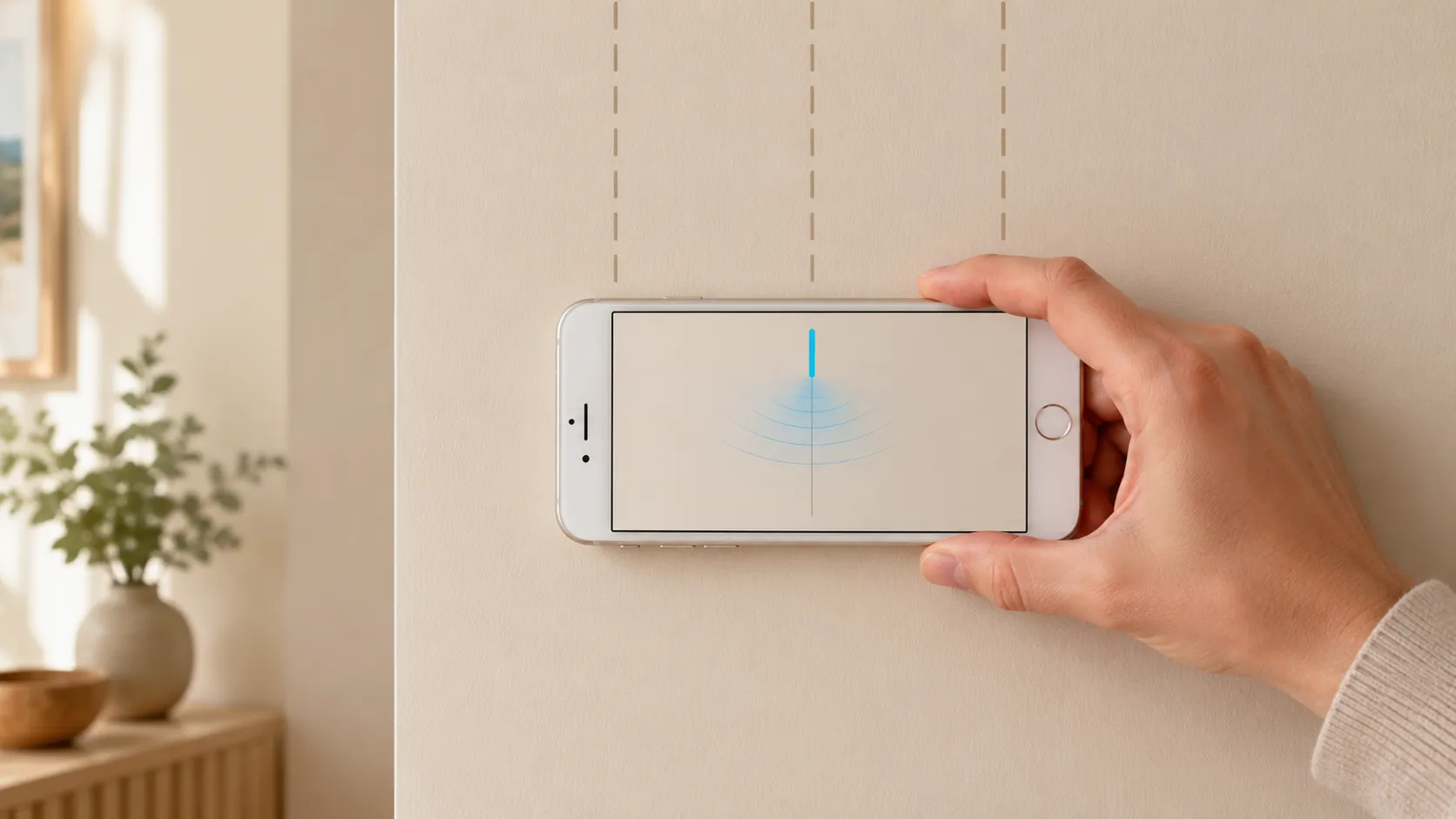
Every iPhone since the iPhone 5 ships with a three-axis magnetometer — a tiny chip that measures the strength and direction of magnetic fields around the phone. Apple uses it for the Compass app, for Maps orientation, and for AR. The same chip can detect the metal nails and screws holding drywall to a wooden stud.
That’s the entire trick. A wood stud isn’t magnetic, but the fasteners are. Find a fastener, you’ve found the centerline of a stud. Find two fasteners spaced 16 inches apart vertically, and you’ve confirmed it.
You don’t need new hardware. You don’t need to buy a $40 hardware stud finder. The sensor is already in your pocket.
The magnetometer measures the local magnetic field in microteslas. Earth’s background field sits at roughly 25–65 µT depending on latitude. When a ferrous object (iron, steel, a drywall screw) is nearby, it locally distorts that field. Sweep the phone past a screw and the reading spikes — usually by a few µT, sometimes more. That spike is the signal. Everything else is just visualization.
You can technically use the built-in Compass app as a crude stud finder. Here’s how:
Why this is rough: the Compass app smooths and stabilizes its heading reading for navigation, which suppresses exactly the kind of fast jitter a stud finder needs to surface. You’ll find studs, but only the strong signals — small finishing nails or deeply set screws may not register at all.
It also requires interpreting needle behavior as field strength, which most people aren’t trained to do.
A stud finder app reads the raw magnetometer value directly via Apple’s Core Motion framework — bypassing all the smoothing the Compass app applies. The data is the same; the rendering is dramatically clearer.
A good app turns the µT reading into one of two visualizations:
You see a clear spike, you mark the spot, you move on. No interpretation, no needle jitter, no guessing.
For a free-to-try, ad-free option that does exactly this, see the stud finder app. It’s the same sensor your Compass uses, plotted in the way that actually makes sense for stud detection.
Whether you use the Compass method or a dedicated app, the technique is the same. Here’s the exact sequence:
Hold your iPhone still for a moment, away from magnets and big metal — a radiator, a steel desk, your watch. Stud Finder calibrates itself in about a second when the scan starts, learning the local baseline with no button to press; with the Compass, give the needle a few seconds to settle. This is your “no metal” reference.
Pick a wall section roughly 16 inches from a corner, outlet, or door frame. Builders almost always place a stud against the corner and then 16 inches on center. Outlets are mounted to studs, so a stud sits directly next to every outlet — usually on the right side.
Hold the phone in landscape, flat against the wall, screen up. Slide it slowly — about one inch per second — in a straight horizontal line. Don’t tilt, don’t lift. Tilting changes the magnetometer’s orientation relative to Earth’s field and adds noise.
You’re looking for a clear rise in the signal followed by a fall. The peak of the rise is the centerline of the stud. In a clean app, this is obvious — the bar jumps, then drops back. In the Compass, the heading number jitters by 5–15 degrees.
Stick a piece of painter’s tape at the peak. Then sweep again from the opposite direction. The spike should land at the same spot. If it does, you’ve found a stud. If it doesn’t, you found a magnetic anomaly — a pipe, a stray screw, an outlet box — not a stud.
Move the phone up or down 12–16 inches and sweep horizontally at that height. A real stud has fasteners every 12–16 inches along its length. If you find a second spike on the same vertical line, the stud is confirmed.
A few common reasons the signal doesn’t appear:
For everything that does and doesn’t work, the full breakdown is in do stud finder apps work — and how accurate are they.
The old-school method of finding a stud is to tap the wall and listen for a duller thunk, or to drive a finishing nail and hope. Both leave damage. Both are roughly 50% accurate.
The iPhone method uses a real sensor reading a real signal — a measurable magnetic distortion caused by real fasteners. You’re not guessing; you’re measuring. The hole-free, no-tools, in-your-pocket nature of it is almost incidental. The point is that it’s actually detecting something physical, not approximating.
For the technical breakdown of how iPhone stud finders read the sensor, see how the iPhone stud finder works.
The iPhone method is great for 90% of stud-hunting tasks: hanging a TV, mounting a shelf, putting up a picture rail. There are a few cases where a hardware capacitive finder is genuinely better:
For everything else — standard drywall, normal residential framing — your iPhone is enough.
You already have the sensor. The only thing standing between you and a found stud is the visualization. Open Compass and try the rough version, or grab the stud finder app — free to try — for the clean signal.
No drilling, no guessing, no $40 hardware purchase. Just a sweep and a spike.
Partially. Every iPhone has a built-in magnetometer (the same sensor a stud finder app uses), and you can access raw readings via the Compass app on iOS by enabling 'Use True North' off and watching the heading needle behavior. But raw readings are noisy and hard to interpret without a visualizer — a dedicated app turns the same sensor data into a usable signal.
Every iPhone from the iPhone 5 onward has a magnetometer. iPhone 5, 6, 7, 8, X, 11, 12, 13, 14, 15, 16 — all have the sensor. The detection physics is identical across models; newer iPhones just have slightly better sensor calibration and faster CPUs to smooth the signal.
The nails and screws. Wood studs aren't magnetic, but the metal fasteners holding the drywall to the stud are. The iPhone's magnetometer detects those ferrous fasteners, which sit on the centerline of the stud. So you're really finding fasteners, which mark the stud.
The Compass shows a directional heading, not a raw magnetic field strength reading. To use it as a stud finder, you'd need to interpret needle jitter as field changes — possible but slow and imprecise. A stud finder app reads the raw magnetometer value directly and plots it as a usable signal.
On standard 1/2-inch drywall over wood framing, an app locates the stud to within about an inch — enough for shelves, frames and most TV mounts. On steel studs the stud is easy to detect but reads as a broad band, so the center is less precise. Through tile it's less precise because the screws sit farther back, and on plaster walls or thick mud-set tile accuracy drops significantly because the signal gets flooded or the screws sit out of range.

Looking for an online stud finder with no download? Why a web page can't read your phone's sensor, what those sites do, and the fastest free options.

Will a stud finder work through tile? Magnets and magnetometer apps do; capacitive finders mostly don't. How to find studs behind tile — and when to cheat.
Stud Finder turns your phone into a precision wall scanner. Know where the studs, screws and pipes are before you drill.
Download the App