
How the iPhone Stud Finder Works (The Magnetometer Explained)
What happens when a stud finder app detects a wall stud? The sensor, the signal and the physics behind the iPhone stud finder, explained in plain terms.
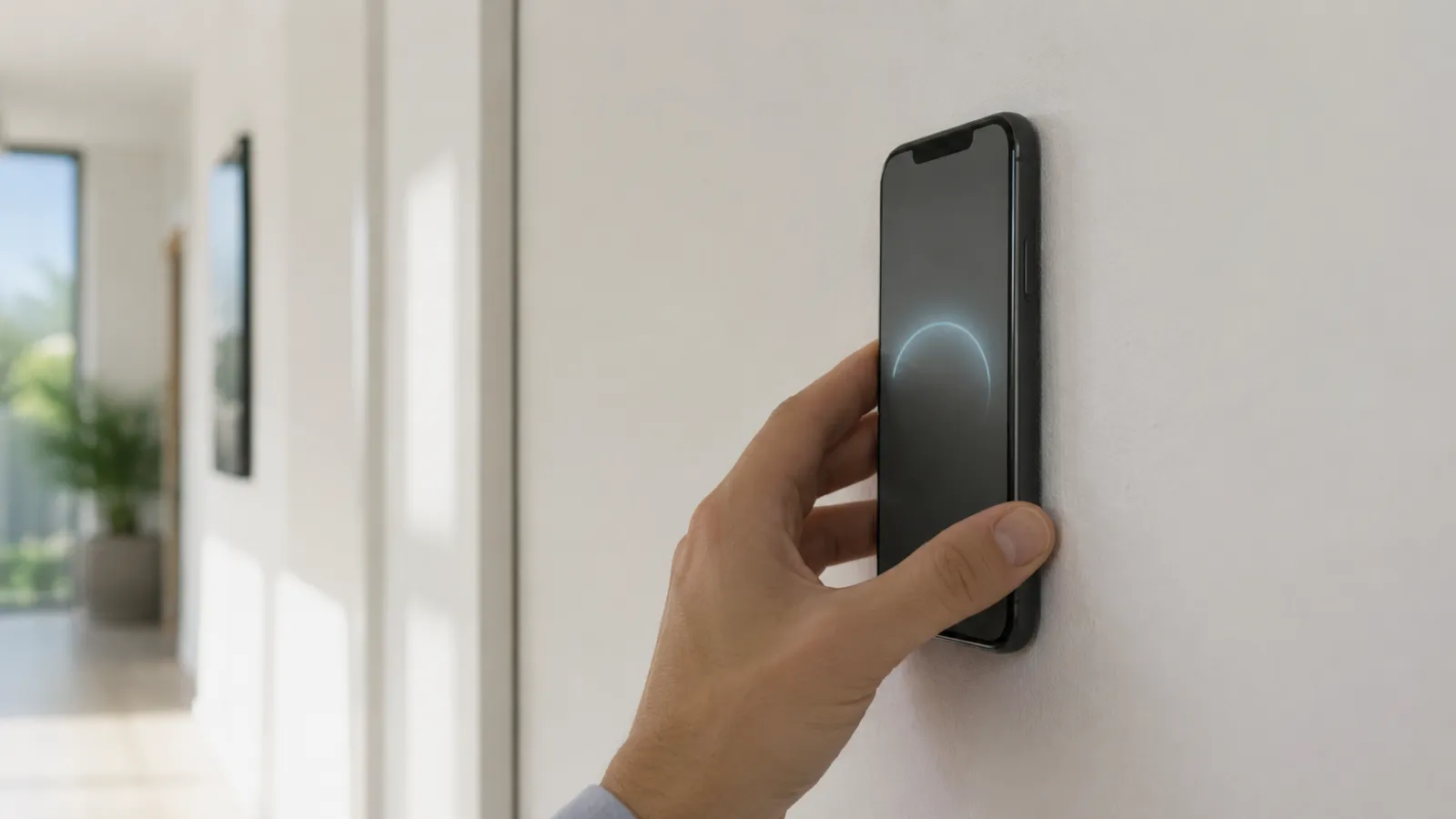
A stud finder phone app reads your phone’s magnetometer and flags the magnetic spikes that screws and nails create inside a wall. On a wood-framed wall it is not detecting wood, density, or the stud itself — it’s detecting the metal fasteners driven into the stud every 12–16 inches along its length. Find the fasteners and the stud is sitting right behind them.
That’s the honest version of how every credible stud finder phone app works. The phone has no sensor that sees wood through drywall. What it has is a chip sensitive enough to read the tiny magnetic field of a drywall screw against Earth’s 25–65 μT ambient field — and that’s all it needs on a standard wall.
The one requirement is a magnetometer. The quick test: if your phone’s compass app points north, you have the sensor and a stud finder app will work.
If the compass works, you’re set. No new hardware, no dongle, no subscription to find out.
Both platforms read the same kind of sensor, but the experience isn’t identical:
| iPhone | Android | |
|---|---|---|
| Sensor presence | Every model since 2009 | Most, but not all budget models |
| Hardware consistency | One vendor, tightly calibrated | Hundreds of models, quality varies |
| Calibration behavior | Predictable across devices | Can differ phone to phone |
| Best practice | Hold still a second, then scan | Same — plus a figure-eight compass recalibration if readings drift |
The short version: iPhone’s single-vendor hardware makes readings more uniform out of the box, while Android’s range means a flagship can match the iPhone and a cheap handset may struggle. On either platform, the fix is the same — a still second while the app calibrates itself, then a slow sweep. For a deeper split, see our iPhone vs Android stud finder apps breakdown.
A phone app rewards a steady hand. Five habits that turn a noisy scan into a confident one:
For the full walkthrough with screenshots of each step, read how to use a stud finder app.
A stud finder phone app is honest about its lane. It struggles where the magnetic signal breaks down:
None of these are software failures. They’re walls that want a different sensor, and a good app points you toward one instead of guessing.
Steel studs and ordinary tile aren’t on this list. A steel stud is itself steel, so the app reads it as a broad band rather than a spike — mark both edges and use the middle. Tile doesn’t block magnetic fields, so through tile on thinset over cement board or drywall the app still reads the screws, just more weakly — sweep slowly. The metal stud and tile guides cover both.
A stud finder phone app is the right first tool for the wall most people own, because the right tool is the one already in your pocket. On drywall over wood, it finds the fasteners that mark every stud, free to try and accurate to within about an inch. Past that — plaster, masonry — it tells you to switch tools, which is exactly what you want from something you didn’t have to buy.
Try the stud finder app — free to try, ad-free, no signup to start.
Yes, if it has a magnetometer — the compass sensor in nearly every modern iPhone and most Android phones. A stud finder phone app reads that sensor and detects the steel screws holding drywall to each stud, locating them to within about an inch.
Open your phone's built-in compass. If it points north, you have a magnetometer and a stud finder app will work. If there's no compass app and one won't install, your phone likely lacks the sensor — common on some budget Android models.
On standard drywall over wood studs, it's close enough for shelves, frames, and most TV mounts — accurate to about an inch. For plaster or heavy loads, a hardware finder or a verifying pilot hole is the safer call.
Yes, on any Android phone with a magnetometer, which is most mid-range and flagship models. Sensor quality varies more across Android hardware than on iPhone, so give each scan a still second to calibrate, recalibrate the phone's compass with a figure-eight if readings drift, and verify with a tap test.
Take off any case with magnets — magnetic wallets, MagSafe accessories, and magnetic mounts will swamp the reading. A plain plastic or silicone case is fine and doesn't affect the magnetometer.
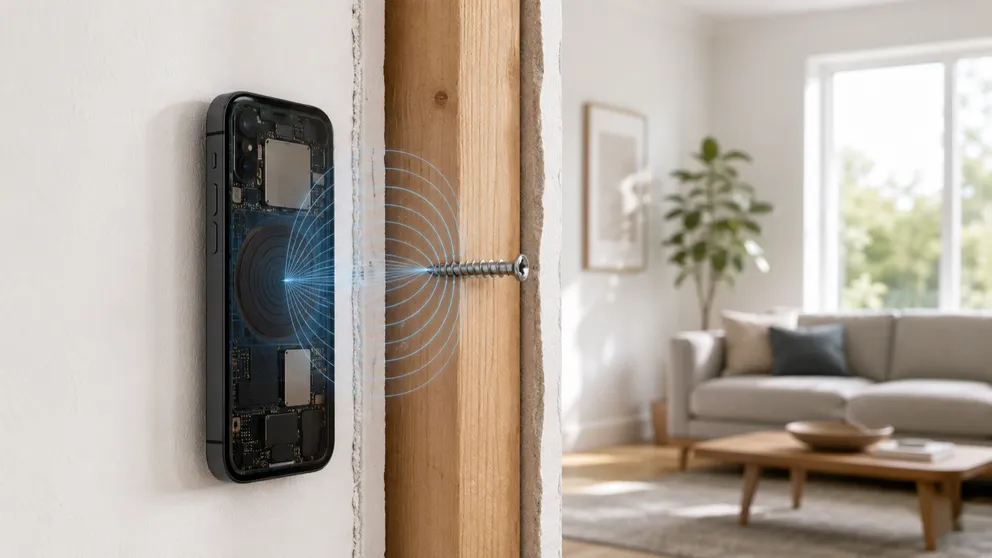
What happens when a stud finder app detects a wall stud? The sensor, the signal and the physics behind the iPhone stud finder, explained in plain terms.
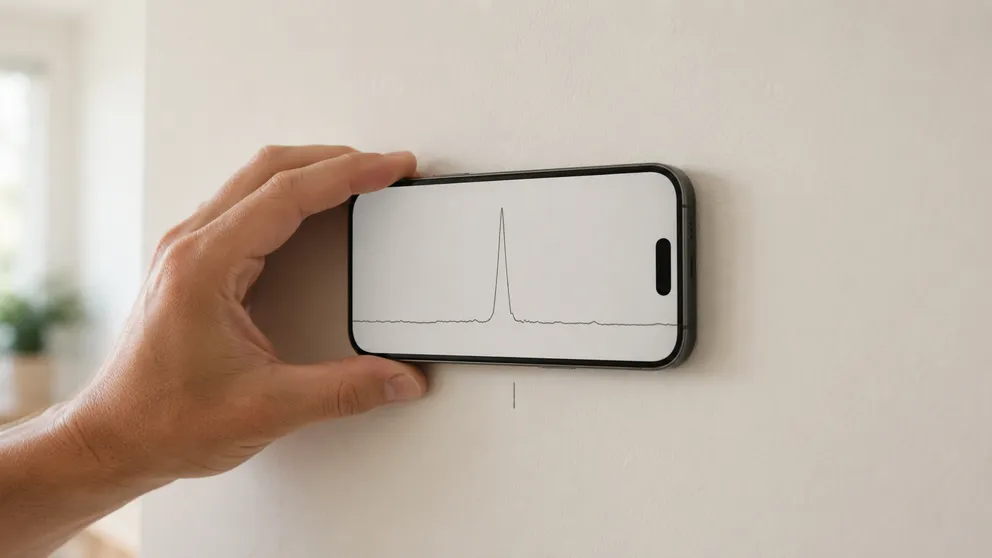
Yes — stud finder apps work on standard drywall and locate studs to about an inch. How accurate they really are, where they fail, and how to verify first.
Stud Finder turns your phone into a precision wall scanner. Know where the studs, screws and pipes are before you drill.
Download the App